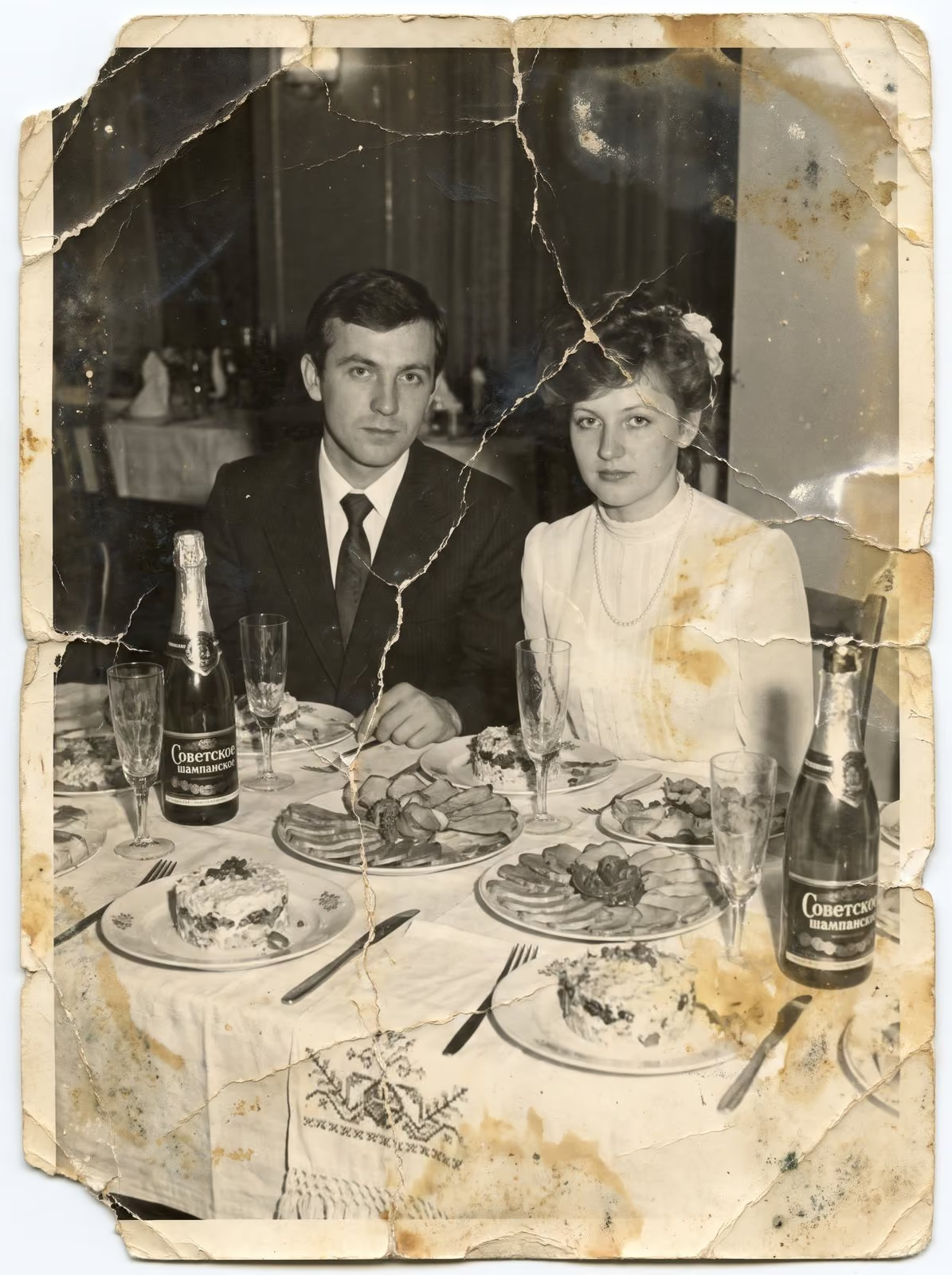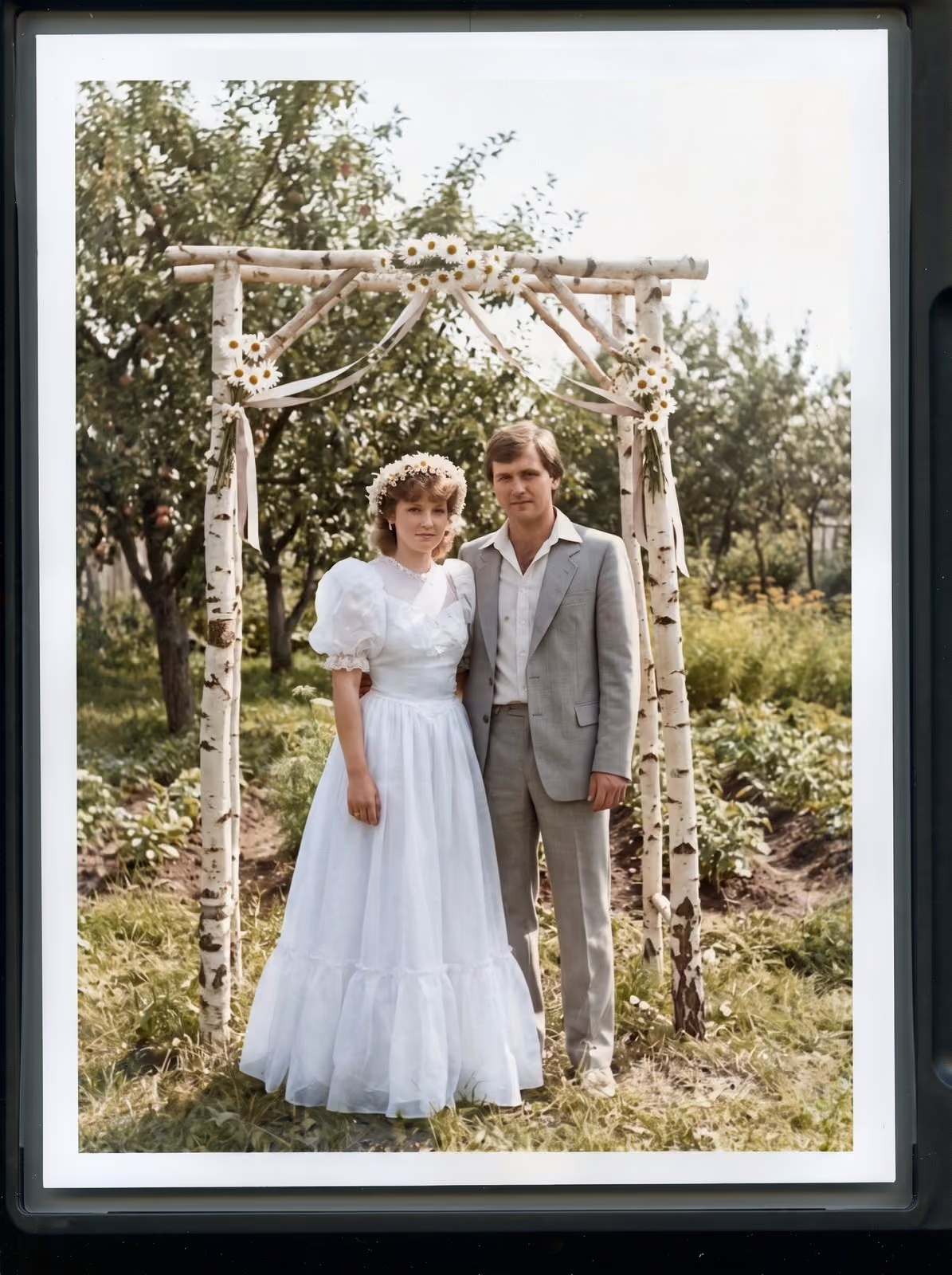
Scanning is only half of the job. A folder of 2,000 files called IMG_0001 is almost as hard to use as a box of unlabelled prints. A simple system for folders, names and captions turns a pile of scans into an archive that you, your children and your cousins can actually search. It takes a little discipline at the start and saves hours later.
Pick one structure and keep to it
The most reliable structure is by year, then by event. A top folder called Family photos holds a folder for each year, and each year holds a folder for each event: 1987, then 1987-06-wedding-anna-and-mike. Sorting by name then puts everything in date order without any software. If you do not know a date, use the best guess and add c for circa, for example c1950.
Name files so they explain themselves
Use a pattern and stick to it: year, month if you know it, place or event, then a number. For example 1987-06-wedding-012.tif. Avoid spaces and special characters, which cause problems when files move between systems. Never rely on the date a file was created, because that records when you scanned the picture, not when it was taken.
Keep a master and a copy
Save one master file per photograph, in a lossless format such as TIFF, and make a smaller JPEG for sharing. Put them in separate folders, masters and shared. Never edit the master. Do corrections on a copy, so you can always go back. The guide to choosing a scanning resolution explains how large the master should be.
Add captions that matter
A photograph with no information is a mystery to the next generation. Record who is in the picture, where it was taken and what was happening. You can store captions in a spreadsheet, with one row per file, or in the file’s own metadata, which many photo programs can read. Include full names and, where it helps, the relationship: “Aunt Helen (Dad’s sister)”. Ask older relatives to look at the prints with you, and record what they say.
Handle the back of the print
Many old photographs have notes on the back: names, dates and the name of the photographer. Scan the back of any print that has writing. Name the file to match the front, for example 1987-06-wedding-012-back.tif. These notes are often the only record of who is pictured.
Remove duplicates carefully
Families often have several copies of the same picture. Keep the best one as the master, and note in the caption if other copies exist. Do not delete the others until the whole collection has been scanned and checked. A slightly different copy may hold a detail the first one lost.
Tag people and places
If you use photo software with face recognition or tagging, set up the names of key family members early. Tagging a few hundred pictures by hand teaches the software to find the rest. Keep a plain text list of people and nicknames, as software changes but a text file does not.
Back up in more than one place
Keep three copies, on two different kinds of storage, with one stored somewhere else. For most families that means the computer, an external drive and a cloud or a relative’s house. Check the copies once a year. The guide to preserving a family photo archive explains the full routine.
Share, and invite corrections
Share the archive with the family. Ask everyone to add names and dates in a shared spreadsheet, and review the notes once a year. An archive that people use grows richer. An archive that only one person can open is fragile.
Related guides
To get your prints ready, read how to prepare photos and film for scanning. If you scan at home, see how to scan old photos at home. For damaged pictures, read what can and cannot be restored.
Let me scan and name them for you
I scan prints, film and slides in Smoky Lake and deliver the files named and numbered in order, with your originals returned. Tell me how your collection is arranged and how you want the files organised. I reply with a plan, a quote and a turnaround. You can request a scanning quote here, and call, email or message me using the details at the bottom of this page.