An hour of preparation before scanning saves days of work afterwards. A sorted, labelled collection costs less to scan, comes back better organised and is much safer for the originals. This checklist works whether you scan the photos yourself, hand them over in Smoky Lake or send them by post.
Step 1: Gather everything in one place
Photographs hide in albums, shoeboxes, frames, wallets and the backs of drawers. Collect them on a clean table in a dry room. Take photos of the boxes and albums as you find them. That record can matter later, because the order inside a box often tells a story. Keep film, slides and prints in separate piles.
Step 2: Handle with care
Wash and dry your hands first, and handle photographs by the edges. Do not use sticky notes, paper clips, staples or rubber bands on a photograph. Do not write on the back with a pen, because ink can come through. If you must label a print, use a soft pencil, lightly, on the back edge.
Step 3: Sort by group
Sort in the way that suits your family: by year, by event, by person or by branch of the family. Use plain paper to separate the groups. It does not need to be perfect. A rough order helps the scanner and helps you find a picture later.
Step 4: Set aside the problem photos
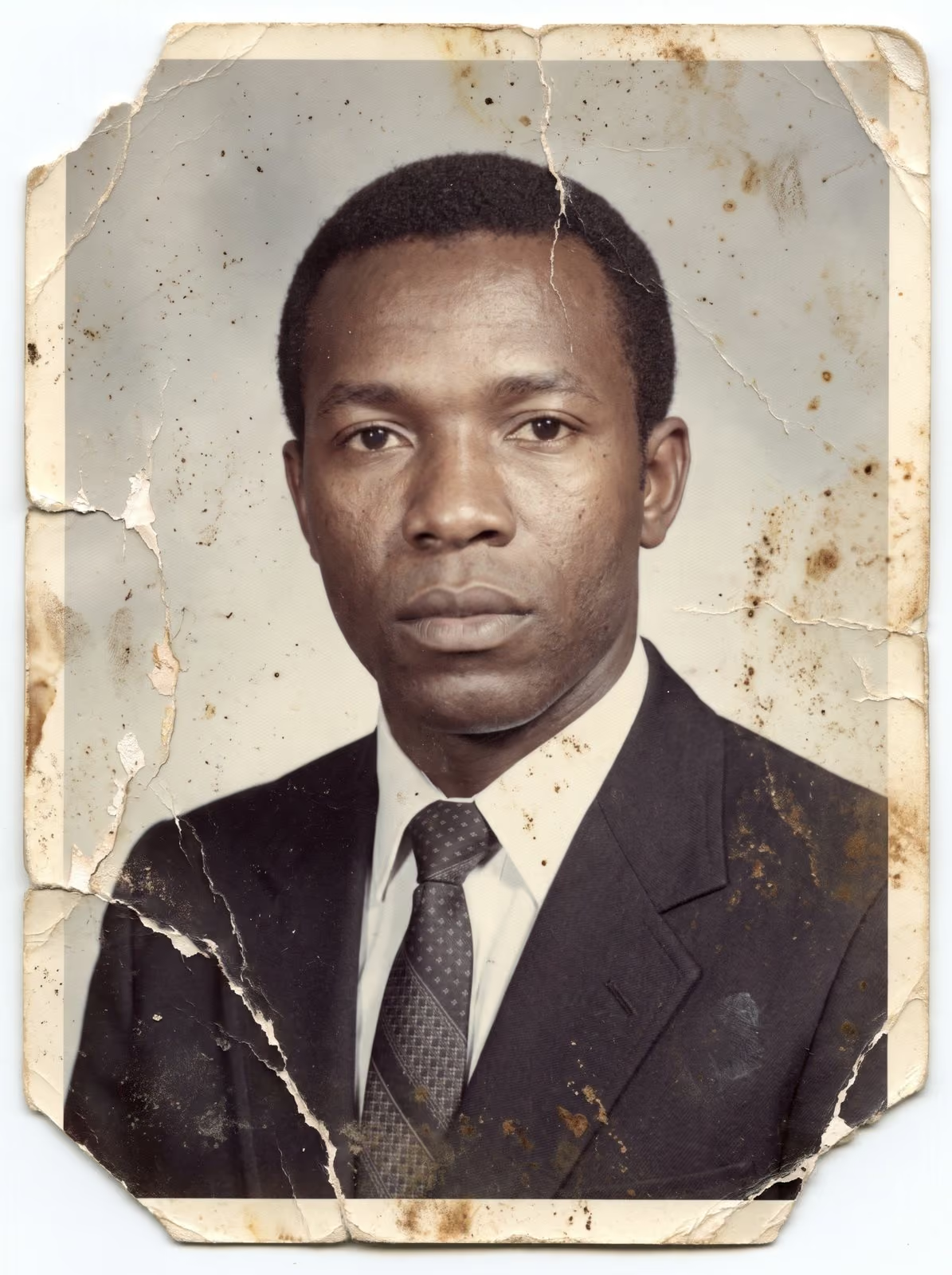
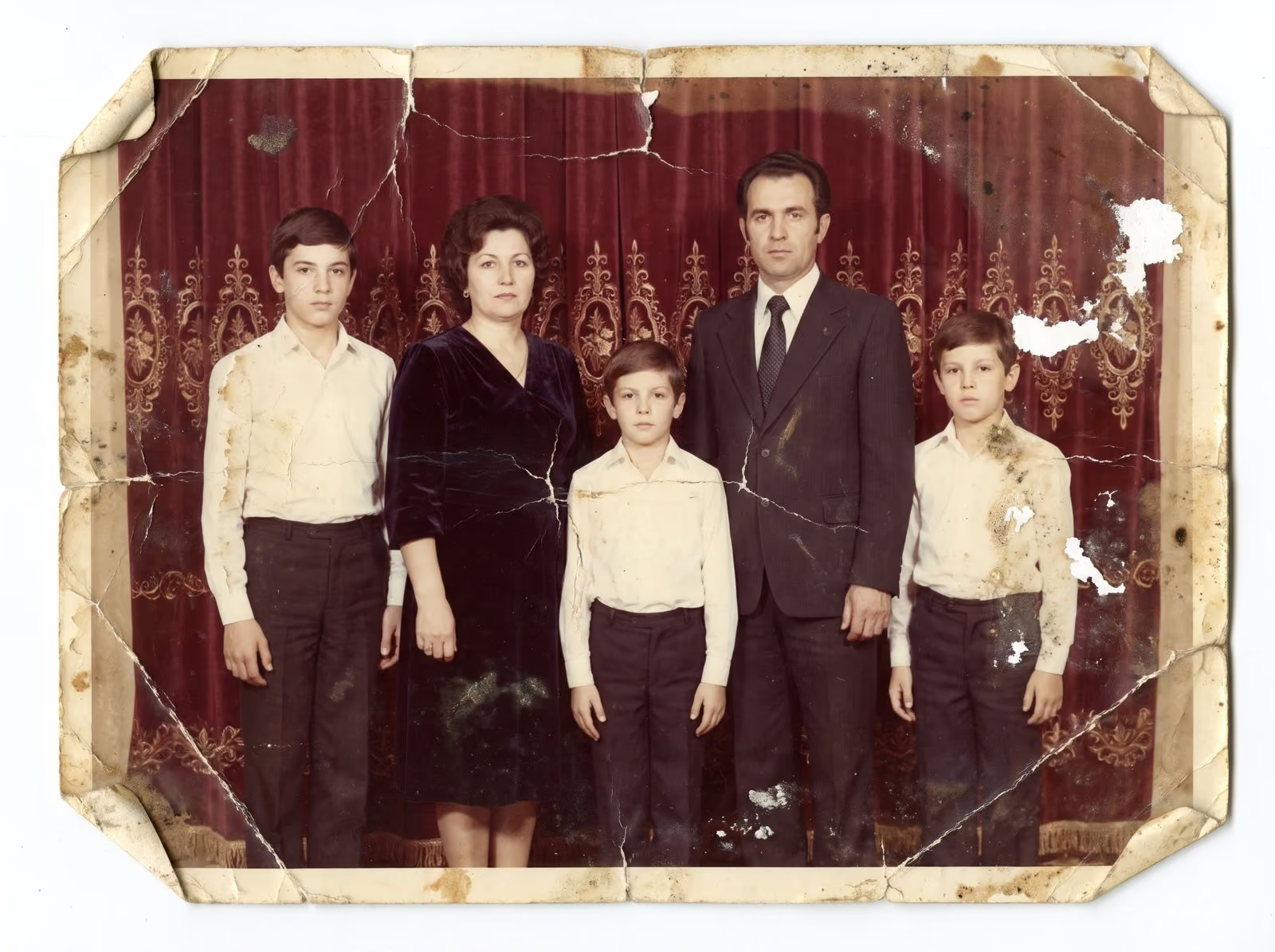
Make a separate pile for photographs that are torn, stuck together, stuck to glass, curling, flaking, mouldy or very faded. Do not try to fix them. Tell whoever scans them what you see, and ask for advice. The guide to first aid for damaged photographs explains what you can safely do.
Step 5: Remove dust, but gently
A soft brush or a hand blower lifts loose dust. Never use water, glass cleaner or any wipe on a photograph. Never try to flatten a curled print by force. A print that has curled for decades can break when forced.
Step 6: Take photos out of frames and albums only if it is safe
If a print lifts easily, remove it. If it resists, leave it where it is, and tell the scanner. Photos stuck in magnetic albums are best scanned in the album or removed by someone with the right tools. Never pull.
Step 7: Count and list
Count the prints, the film strips and the slides, and note the sizes. A short list is all you need: “about 240 prints, mostly 4 x 6, 6 rolls of 35 mm negatives, 80 slides in two trays”. This list lets a scanner give you an honest quote and a turnaround.
Step 8: Decide what you want
Do you want files only for sharing, or master files for printing and restoration? Do you want all photos scanned, or only the best? Do you want the originals back in the same order? Write the answers on your list.
Step 9: Pack, if you are posting
Use stiff cardboard on both sides, plain paper between prints and a firm mailer. The guide to mailing photos and film safely has the details.
How much time to allow
Preparation is quick compared with scanning, but it is still the part that rewards patience. A box of 300 prints takes about an hour to sort into rough groups, and another hour to set aside the fragile ones and write the list. If several relatives share the collection, agree who keeps which pile, and keep a note of anything that is borrowed. Photographs that move between houses are the ones that get lost, so decide where the collection will wait until the scanning day, and leave it there. A little discipline at this stage means the scanner works on a tidy, complete set.
Related guides
Read the guide to how to scan old photos at home if you want to try it yourself, and the guide to choosing a scanning resolution so you know what to ask for. To protect the finished files, see how to preserve a family photo archive.
Send me your list
When you are ready, send me your list. Tell me the number of prints, film strips and slides, and anything fragile. I reply with a plan, a quote and a turnaround. You can request a scanning quote here or read about scanning in Smoky Lake, and you can call, email or message me using the details at the bottom of this page.