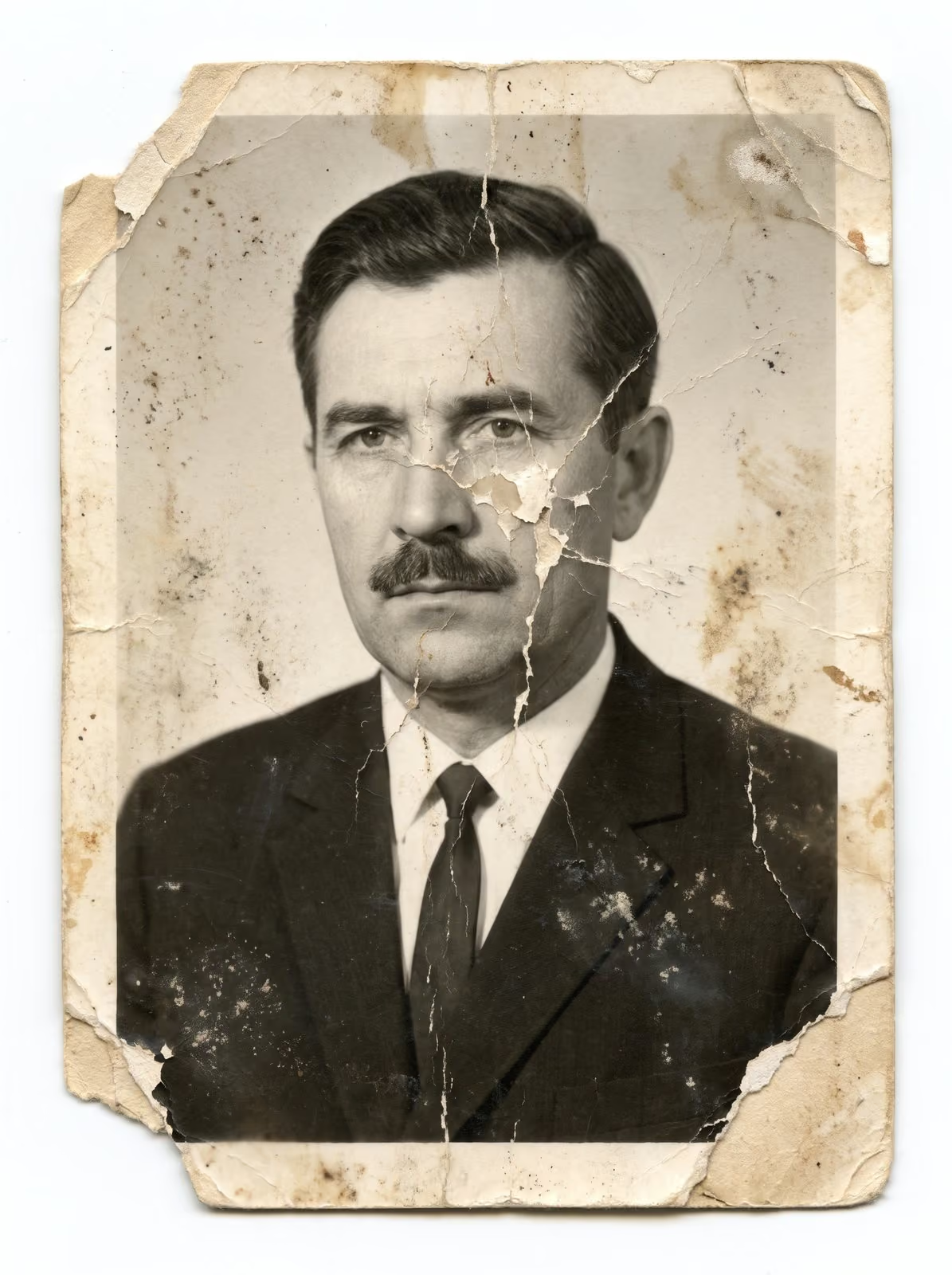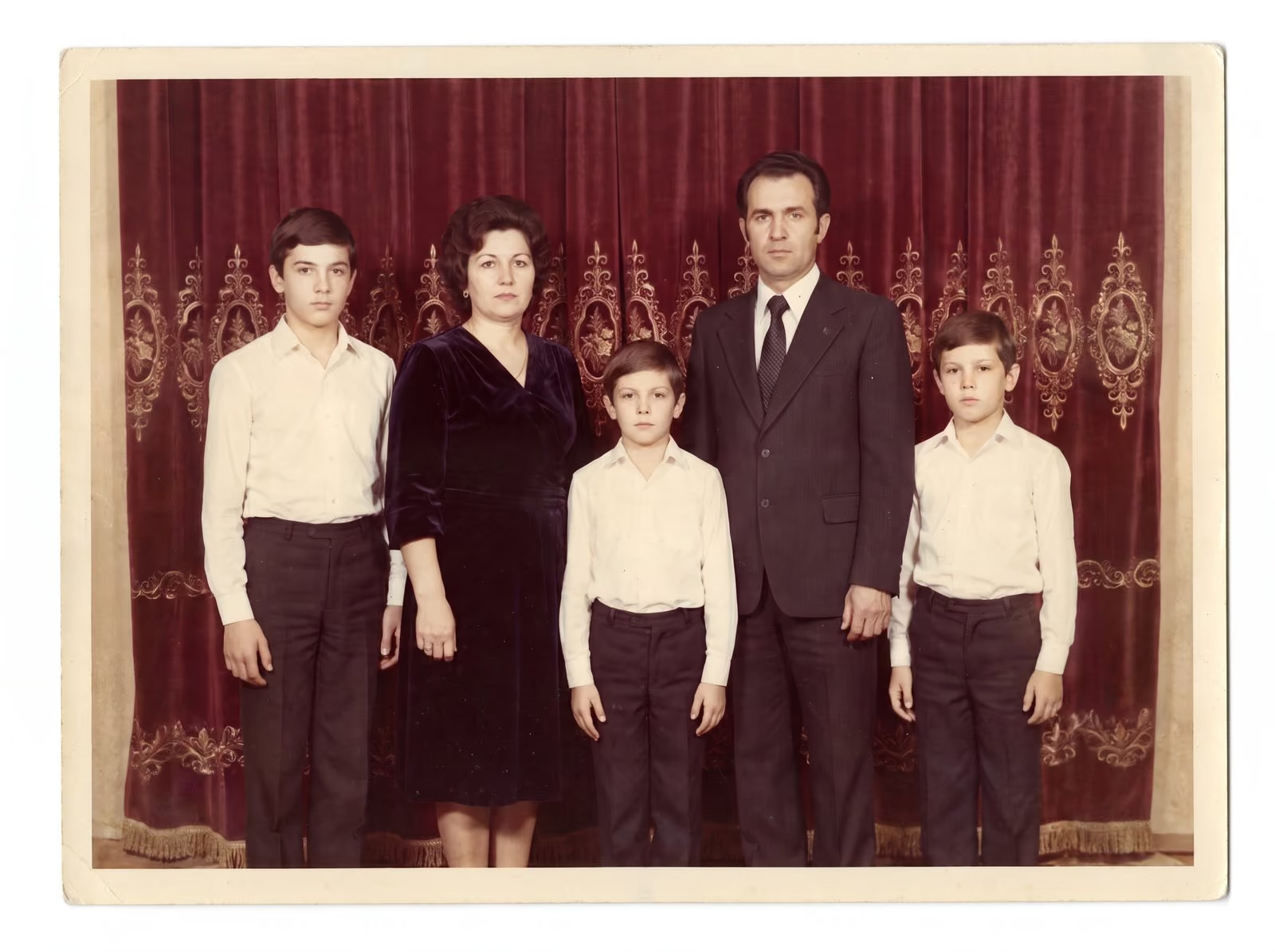
A team page tells visitors who they will deal with. If the portraits look like they came from different decades, the page looks uneven. With consistent headshots, the team looks like one team. The photographs, not the retouching, set most of that consistency, but retouching ties them together. This guide explains how to get it right.
Decide the look first
Before anyone is photographed, agree the basics: background colour, crop, pose and clothes. A plain, neutral background is the easiest to match, and a tight, head-and-shoulders crop is the easiest to keep consistent. Pick one level of retouching, such as “light touch, natural”, and use it for everyone. Write it down. A short style note stops arguments later.
Shoot with retouching in mind
Good retouching starts at the shoot. Use the same light and the same distance for everyone. Leave space around the head, so that crops can match. Ask people to avoid patterned clothes, which show moiré and distract. Ask everyone to arrive rested, with clean hair. Take several frames of each person, so that you can pick the best one.
What retouching should do
For headshots, the aim is the person on a good day:
- Even out skin tone and remove temporary blemishes
- Tidy flyaway hair and lint on clothes
- Brighten the eyes slightly and soften harsh shadows
- Match brightness, colour and background across all portraits
It should not change features or remove marks that are part of a person’s face. Read natural retouching: where to stop for the principles I follow.
Allow for different skin tones and different lighting
Skin looks different under different lights, and a team often includes people with very different skin tones. Match them by looking at each portrait on its own and then at the whole set side by side. A reliable retoucher checks colour against a neutral reference, and balances each portrait so nobody looks washed out or too warm.
Get approval from each person
People are more relaxed about their portrait when they see it before it is published. Send each person a proof, and allow one round of small changes, such as “a little less shine”. Keep the changes within the style you agreed.
How to send files to a retoucher
Send the best frame of each person, at full resolution. Add a short note with the style, the crop and the file names you want. Include one or two portraits you like as a reference. Name the files after the person, for example surname-firstname.jpg, so the finished files return with the same names.
Costs and timing
A volume discount applies from 50 images, which suits larger teams and company shoots. For a small team, a short turnaround is usual. Details are agreed in the quote. See corporate and portrait retouching and the pricing page.
A short timeline for a team shoot
Plan the whole job backwards from the date you need the portraits. Allow a week to agree the style, a day or two for the shoot, a few days for choosing frames, the turnaround for retouching and a short window for approvals. A typical team of ten can move from the shoot to published portraits in two to three weeks when each step has an owner and a date. If someone is on leave, collect their portrait later, in the same light and with the same background, and retouch it in the same style so it fits.
Mistakes to avoid
- Letting everyone choose their own retouching level. The set looks uneven within a week.
- Changing the background halfway through. A later portrait will never match the earlier ones.
- Cropping differently for each person. Agree one crop and apply it to everyone.
- Skipping the proof. People forgive a small fix before publication much more easily than after.
Related guides
For wedding and family sets, read how to outsource wedding photo batch editing. For product photos, see the product photo checklist. See the portrait retouching examples.
Send me a sample
Send two or three sample portraits and a line about the look you want. I reply with a plan, a quote and a turnaround. You can request a retouching quote here, and you can call, email or message me using the details at the bottom of this page.