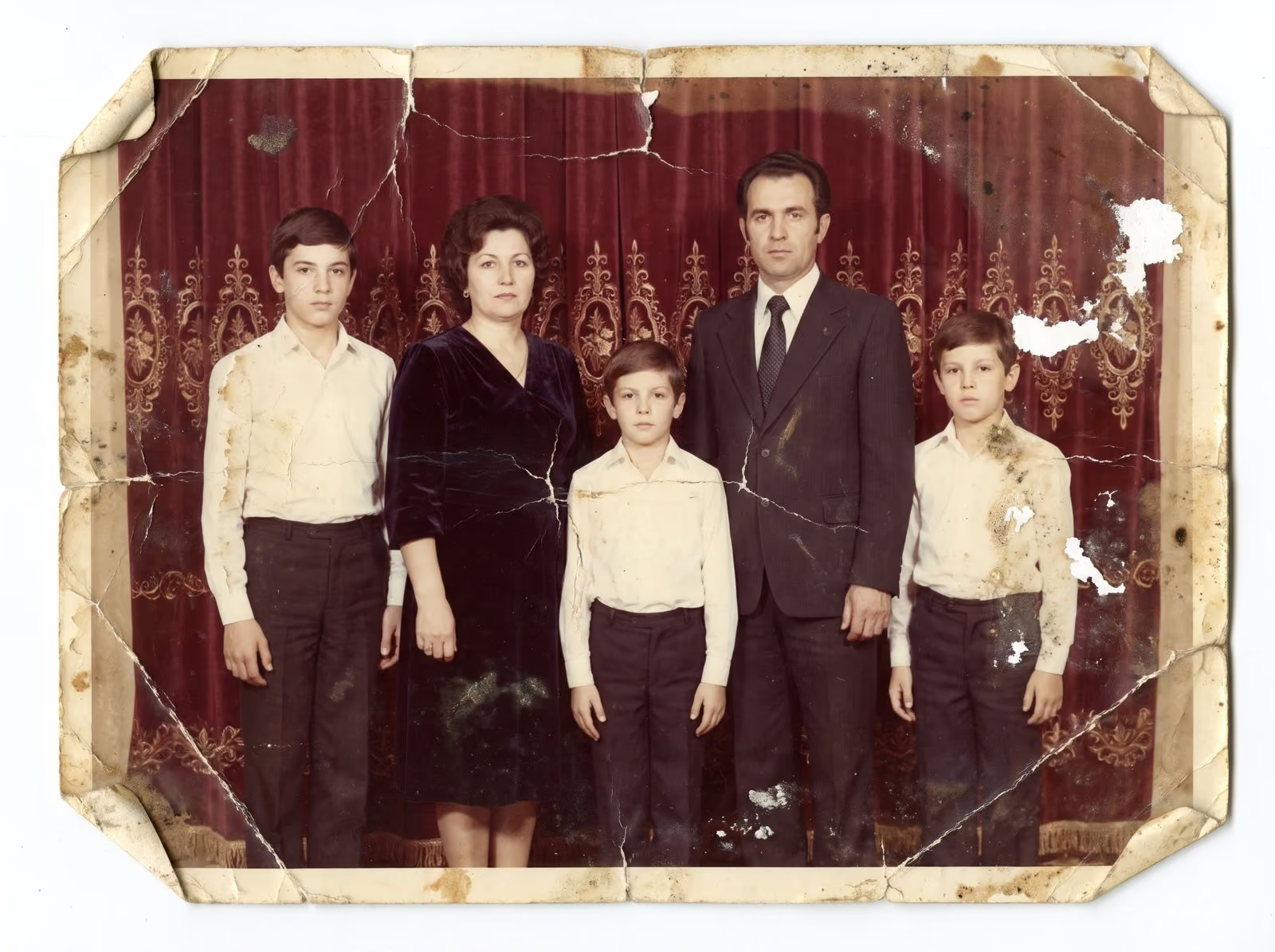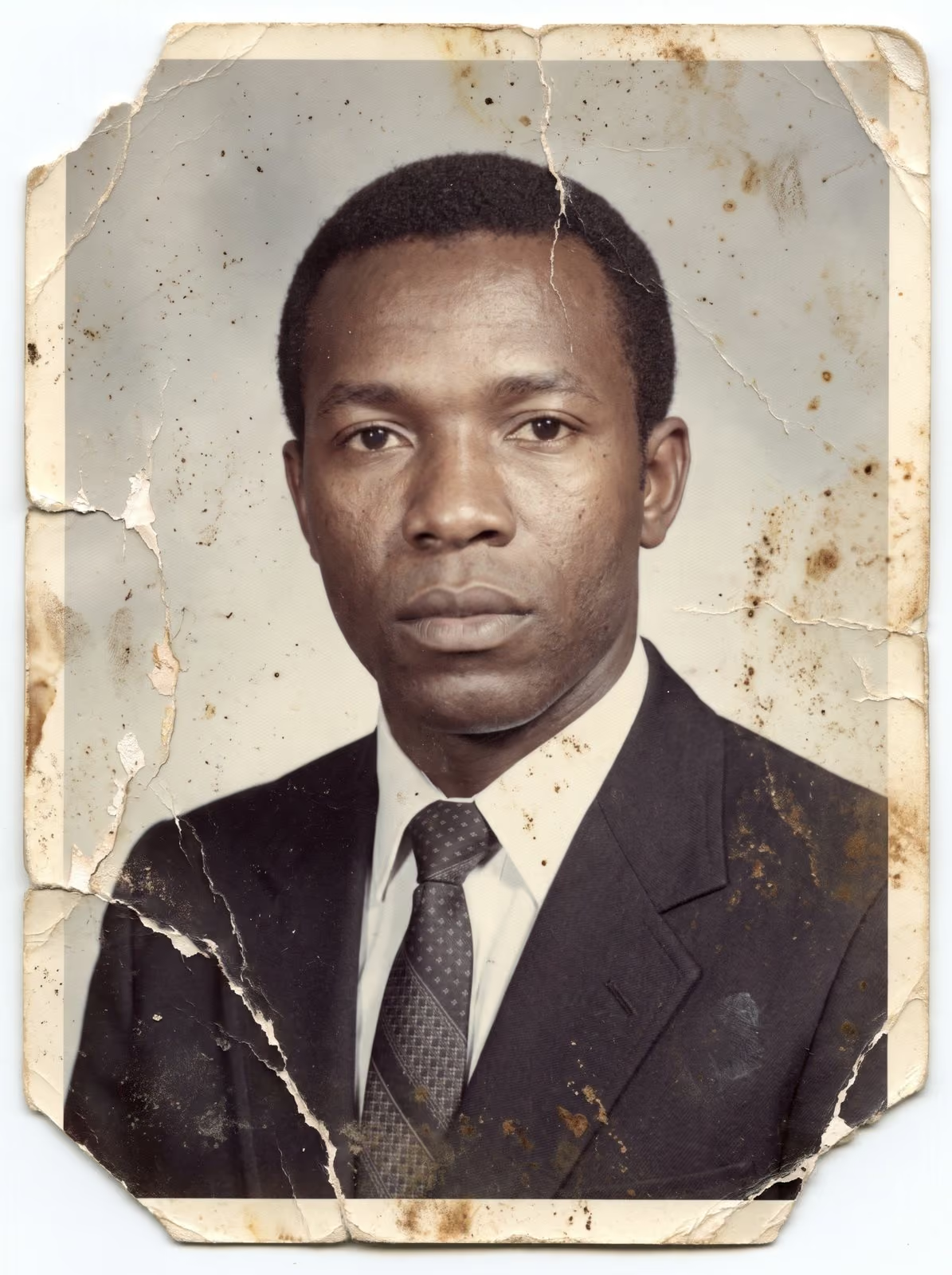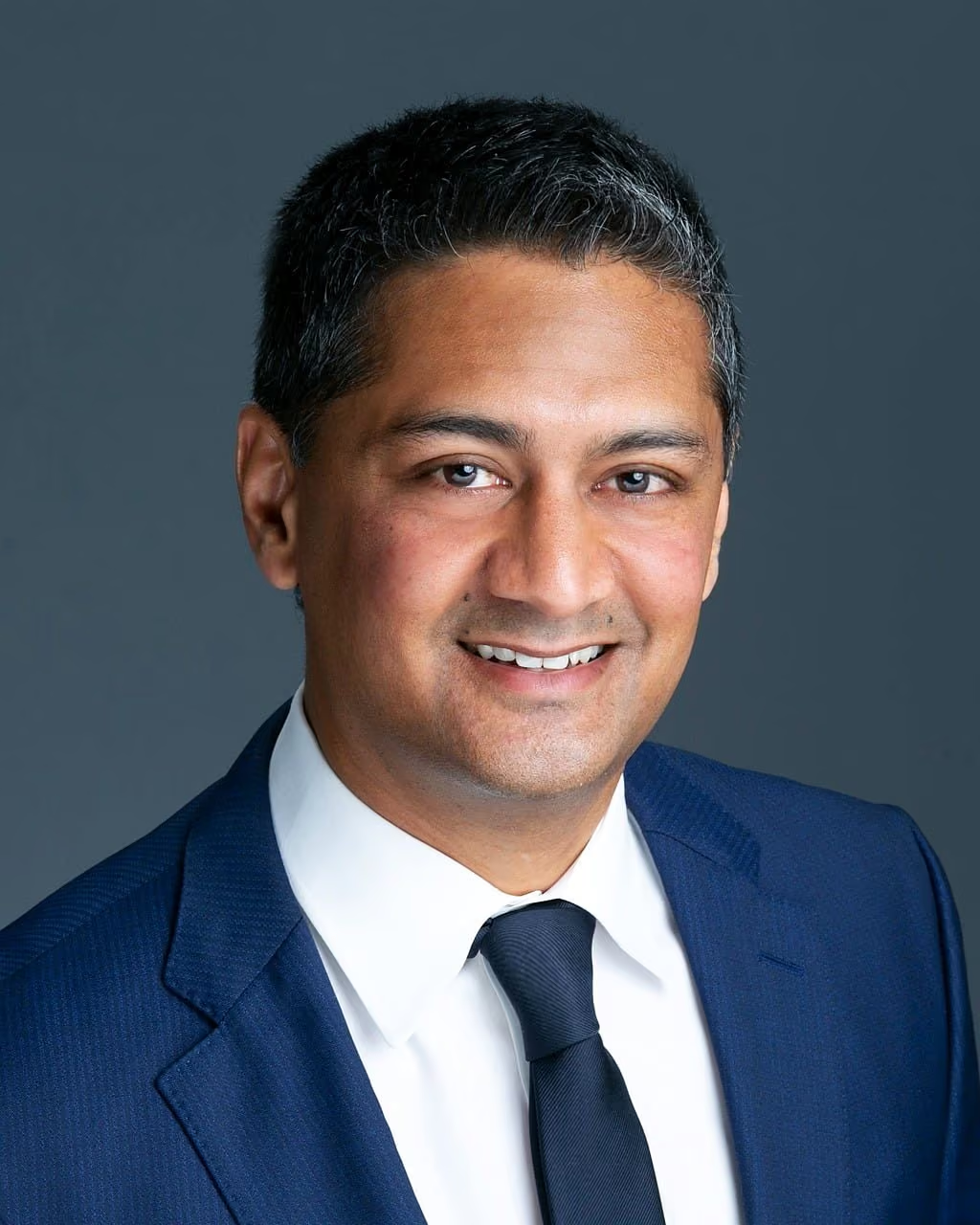
Good retouching goes unnoticed. The viewer sees a person at their best and does not wonder what was changed. Over-retouching has the opposite effect: smooth, waxy skin and strange eyes make the picture look fake and the person look unwell.
Keep the texture
Skin has pores, fine lines and small variations in tone. Take them all away and the result looks like plastic. I reduce blemishes, redness and shine, and I leave the texture that makes skin look like skin.
Do not change the face
Features such as nose shape, jaw line and the size of the eyes belong to the person. I do not reshape them unless a client asks me to. If a person would look at the portrait and think “that is not me”, I have gone too far.
Eyes and teeth
- Eyes. Brighten them lightly and reduce tired shadows. Do not change the colour or make them larger.
- Teeth. Whiten to a natural tone. Teeth that are too white draw the eye and look artificial.
Hair
Flyaways and stray threads on a jacket are fair game. They are temporary and distract from the person. The overall shape and colour of the hair stay as they are.
Permanent features
Moles, scars and lines are part of a person. I leave them unless the client asks me to remove them. Temporary things such as spots or a small cut are removed.
Four checks before I deliver
- View at 100%. Is texture still there?
- View at the final size. Does it look natural to a viewer?
- Compare with the original. Is the person still recognisable?
- Compare across the set. Do all the images look like the same people on the same day?
Choose your level
Some clients want a light touch, others want polished beauty work. Both are fine, as long as the choice is deliberate. Tell me which you prefer and I match it. See corporate and portrait retouching and beauty and fashion retouching, and browse the portrait examples.
Common over-editing mistakes
- Smoothing the skin with a single blur. A blur removes pores and fine lines along with the blemishes. The skin looks like wax.
- Making the eyes bigger or the face thinner. It changes the person. A friend would not recognise them.
- Teeth that are whiter than the eyes. Teeth should be slightly warmer than the whites of the eyes. When they are not, the eye goes straight to them.
- Removing every shadow under the eyes. A light shadow gives the face depth. Removing it all flattens the face.
- Over-sharpening hair. Hair gets a crunchy, wiry look. Soft is better.
- Different editing across a set. If one portrait is polished and the next is raw, the team looks uneven.
Why natural retouching pays off
People notice a heavily edited portrait, and they trust it less. A natural portrait of a team member, a founder or a family member works for years: it still looks like the person when a client meets them, and it ages well when styles change. Over-edited images date quickly, and they often need to be redone. A light, careful touch is the cheaper choice in the long run.
How to brief a retoucher
Give a short description in words: “light touch”, “natural but polished” or “magazine finish”. Send one or two reference images that show the level you like. Say what must stay: scars, freckles, a particular hairline. Say what must go: stray hairs, a pimple, lint. And tell the retoucher where the image will be used. A small headshot on a website hides more than a large print does.
Related guides
For team photos, read headshot retouching for teams. For wedding and family sets, see how to outsource wedding photo batch editing. To see the standard I work to, browse the portrait retouching examples.
Let’s talk about your portraits
Send a few sample images and a line about the look you want. I reply with a plan, a quote and a turnaround. You can request a retouching quote here, or reach me by phone, email or WhatsApp using the details at the bottom of this page.