Print scanning
Family prints scanned in Smoky Lake and returned with clean digital files, ready to share, print or restore.
CA$1 per print · 3 to 7 business days
See details
Scanning in Smoky Lake
Old prints fade, film curls and slides yellow. I scan them in Smoky Lake, clean the files, and return the originals to you with a digital copy you can share and print.
Pick the format you have. If your collection mixes several, one quote covers all of it.
Family prints scanned in Smoky Lake and returned with clean digital files, ready to share, print or restore.
CA$1 per print · 3 to 7 business days
See details
35 mm negatives and film strips scanned frame by frame in Smoky Lake and returned with clean digital files.
CA$1 per frame · 3 to 7 business days
See details
Mounted slides scanned in Smoky Lake and returned with clean digital files, with faded colour brought back.
CA$1 per slide · 3 to 7 business days
See details
Medium format, large format and other unusual negatives scanned with care in Smoky Lake.
CA$5 per negative · 3 to 7 business days
See details
Why not DIY
A home scanner can digitise a print. It rarely handles curled film, dusty slides or a faded colour cast well, and a bad scan locks those flaws into the file you keep.
I handle each item by hand, clean it before it goes on the glass, and check every file against the original. If a print is damaged, the scan is the first step of a restoration, so I capture it with that in mind.
Scanning takes place in Smoky Lake. You can bring items in, arrange a pick-up, or post them to me with Canada Post. Edmonton clients can read how that works on the Edmonton page.
Scanning questions
Prints, 35 mm film, slides and non-standard negatives. If you have something unusual, describe it when you ask for a quote and I tell you whether I can scan it.
I handle every item with care and return your originals to you with the digital files. If you post them, read the guide to packing and sending photos first.
Prints are scanned at 600 to 1,500 dpi, depending on the size of the original, and saved as JPEG files of 4 to 35 MB. The guide to choosing a scanning resolution explains the trade-offs.
Print scanning takes originals up to A4 (210 x 297 mm). Non-standard negative scanning takes film up to 60 x 220 mm. I cut 35 mm negatives into standard strips and store them in a film organizer.
Yes. The price includes removing dust, light scratches and fingerprints from glossy photographs. If an image needs more detailed work, I offer photo restoration as an option.
Usually 3 to 7 business days. Larger or more complex orders are confirmed in the quote. The clock starts once I have your order and payment.
Yes. Tell me roughly how many prints, film strips and slides you have and I quote the collection as one order.
Guides
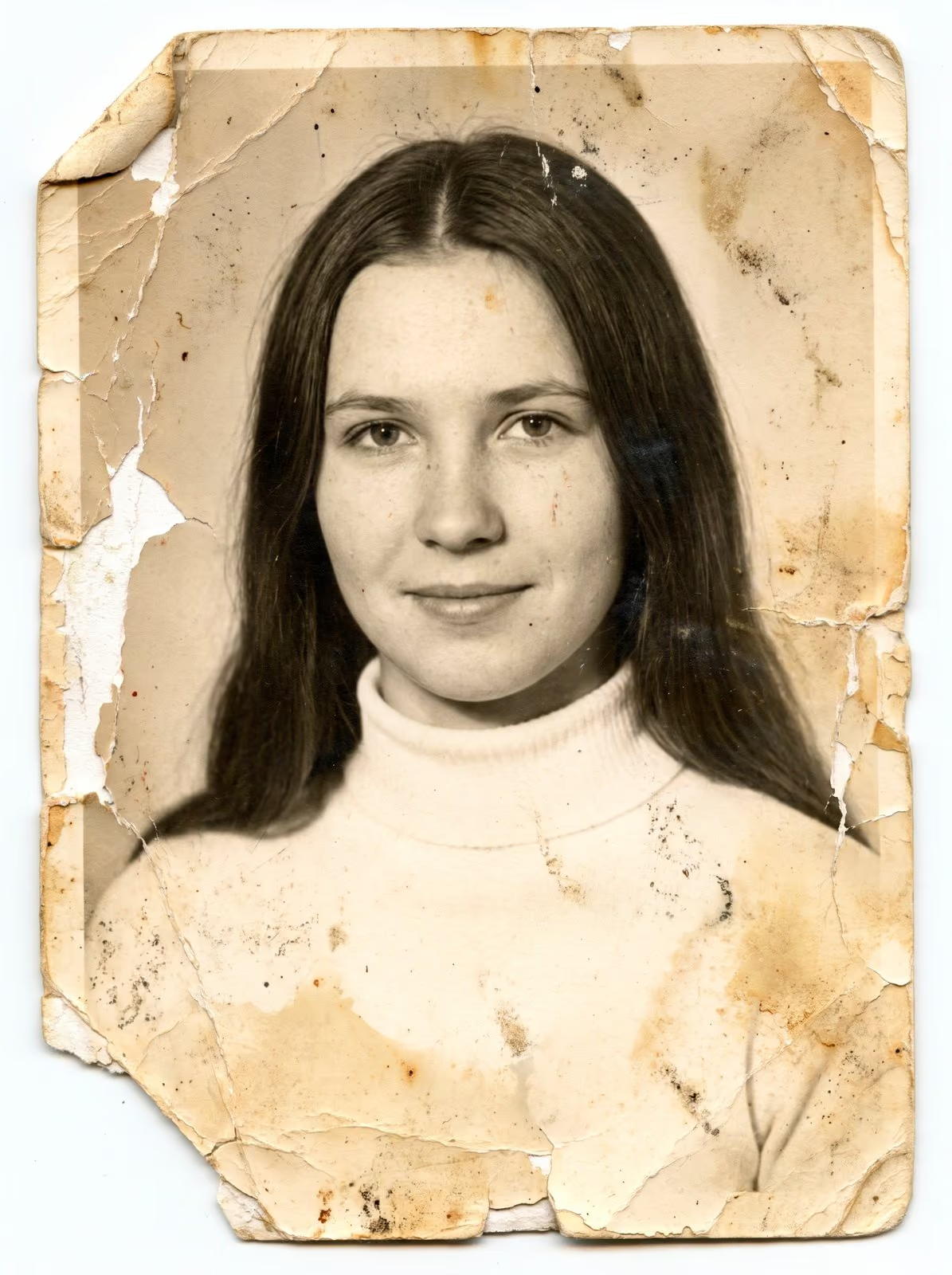
DPI explained with real numbers: what resolution to pick for prints, film and slides, and when higher stops helping.
Read the guide
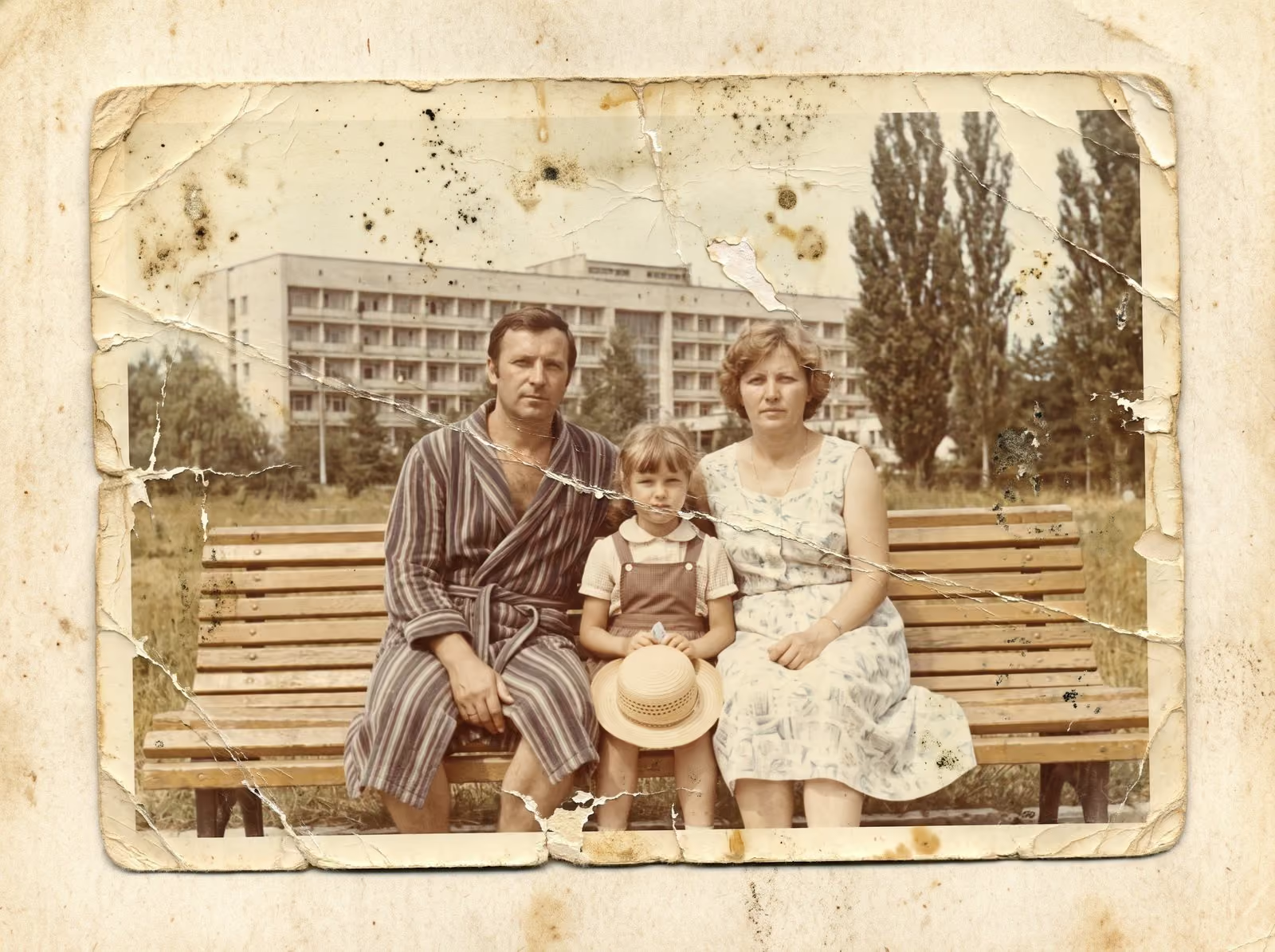
A step-by-step guide to scanning old family photos at home with a flatbed scanner or a phone, plus the signs it is time to ask a professional.
Read the guide
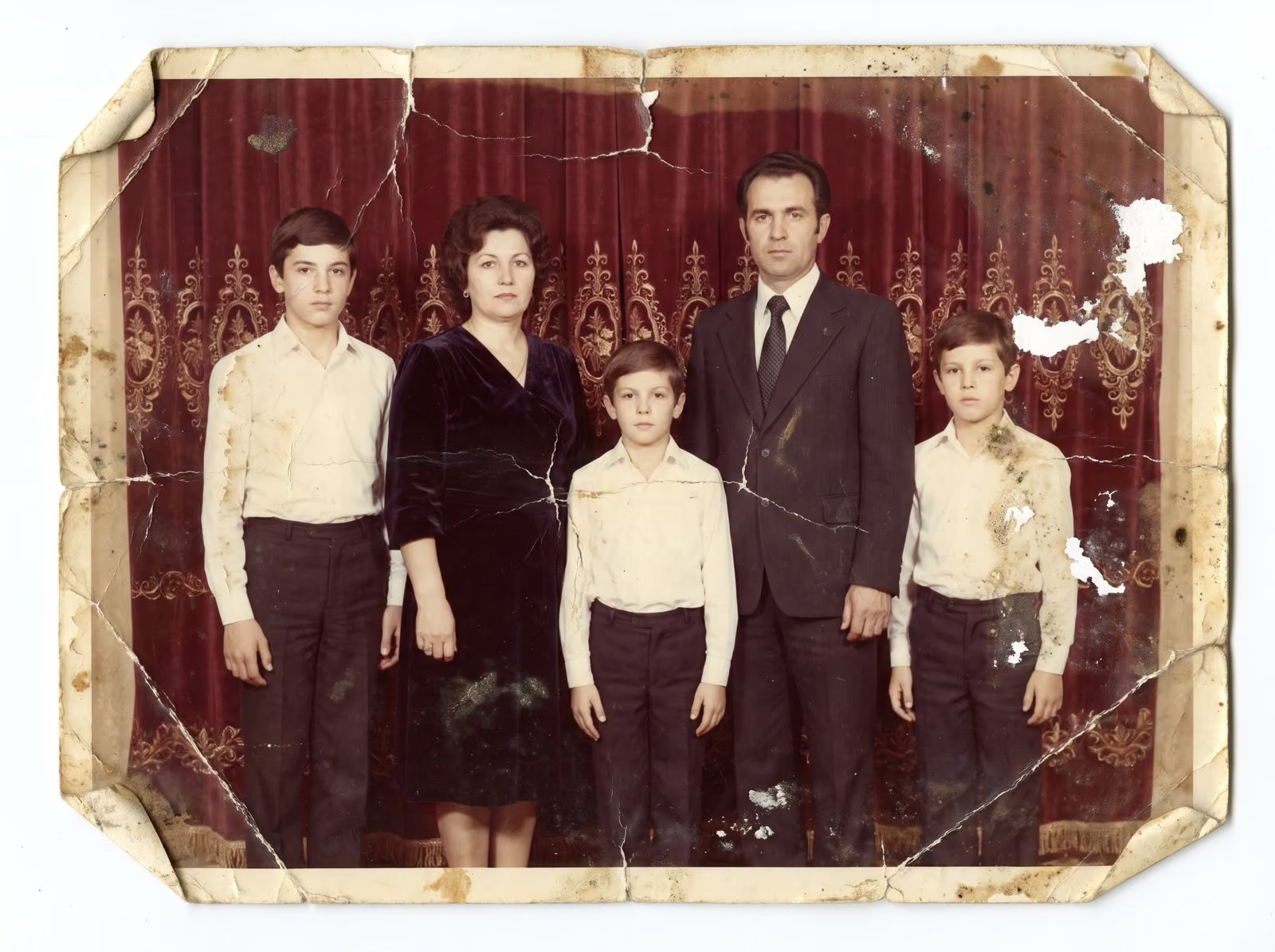
A practical checklist for sorting, cleaning and labelling prints, film and slides before scanning, so the job goes faster and nothing gets damaged.
Read the guide
Let's talk
Tell me how many items you have and what format they are in. I reply with a plan and a quote.