You can now drop an old photograph into a website and get a sharper, cleaner version back in seconds. Many people try it first, and some are pleased. Others are puzzled, because the face in the result is not quite the face they know. This guide explains how automatic enhancers and hand restoration differ, so you can choose the right one for each photograph.
How an automatic enhancer works
An AI enhancer is a program trained on very large numbers of images. When it sees a blurry or damaged face, it predicts what a sharp face of that kind might look like and draws it. The result can look impressive, because the program has seen many faces and knows what skin, eyes and hair usually look like. The important word is “predicts”. The program is making a plausible face, not recovering the original one.
How hand restoration works
A restorer works from the photograph itself. Cracks and stains are repaired using information that is still in the print: the texture of the cloth, the line of a jaw, the pattern of a wall. Where a piece is missing, it is rebuilt to match what surrounds it, with care for the real person. Every decision is made by looking at that photograph and at what is known about the people in it. The work takes longer, and it stays true to the picture.
Where automatic tools can go wrong
- Faces change. A predicted face can look like a different person: a different shape of eye, a smoother skin, a smile that was not there. Relatives often notice at once.
- Texture disappears. Skin becomes smooth and fabrics lose their weave. The picture looks polished and a little unreal.
- Details are invented. Jewellery, buttons, text on a sign and patterns on cloth can be redrawn as something that never existed.
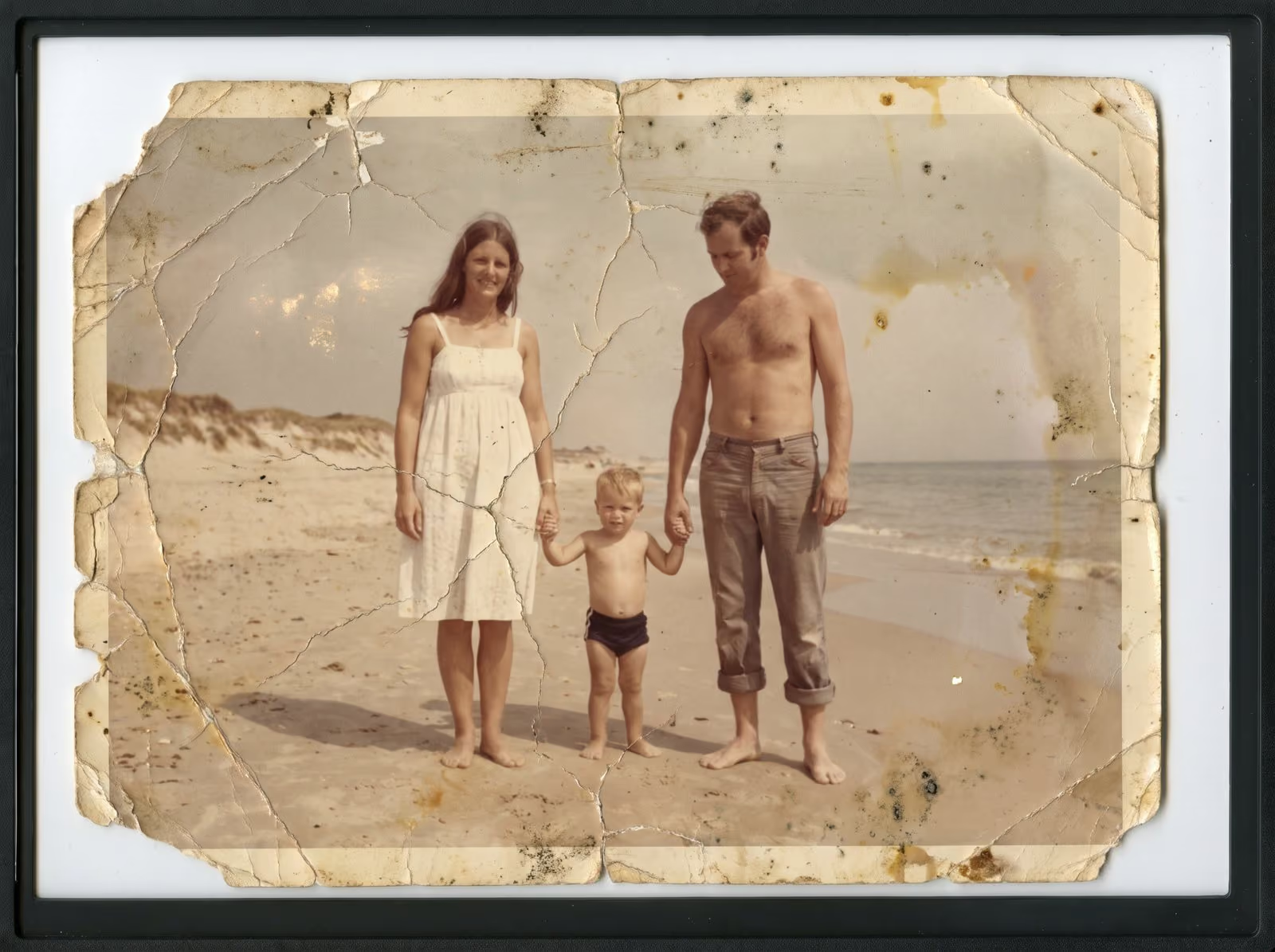
- Damage is not always removed. Large cracks, stains and missing areas confuse many tools, and the results may show ghost patterns.
- Every photograph gets the same look. The tool does not know the era, the film or the family. Differences that matter are smoothed away.
Where automatic tools can help
An enhancer can be a quick way to preview what a photograph might look like, to sharpen a snapshot for social media or to improve a photo that nobody will print. For a casual picture, it may be all you need. Some restorers also use software for specific, supervised steps such as dust removal, as long as a person checks and controls the result.
How to decide
Ask what the photograph is for. For a keepsake, a framed print, a memorial or a family archive, accuracy matters most, and hand restoration is the safer choice. For a quick improvement that you do not mind being a little different from the original, an automatic tool may be enough. If you try a tool first, keep the original scan, and compare the result with the print, face by face, with someone who knew the people.
Questions to ask any restorer
- Do you work from the photograph, or do you generate new detail?
- Can I see before-and-after examples of the same kind of damage?
- Will you show me a draft before the final files?
- What happens to my original, and who sees my files?
My approach
I restore photographs by hand, working from the print. I rebuild what is missing from what is still there, one area at a time, and I stop when the photograph looks like the person and the day it recorded. You can see the results in the restoration portfolio, and drag each image to compare.
Related guides
To learn what can be saved, read what can and cannot be restored. To see what affects the price, read what affects the price of photo restoration. If your photograph is wet or torn, read first aid for damaged photographs.
Send me a photograph
Send a scan or a phone photo of the damaged print. I tell you what can be done, what cannot and what it costs. You can request a restoration quote here, read about photo restoration, and call, email or message me using the details at the bottom of this page.