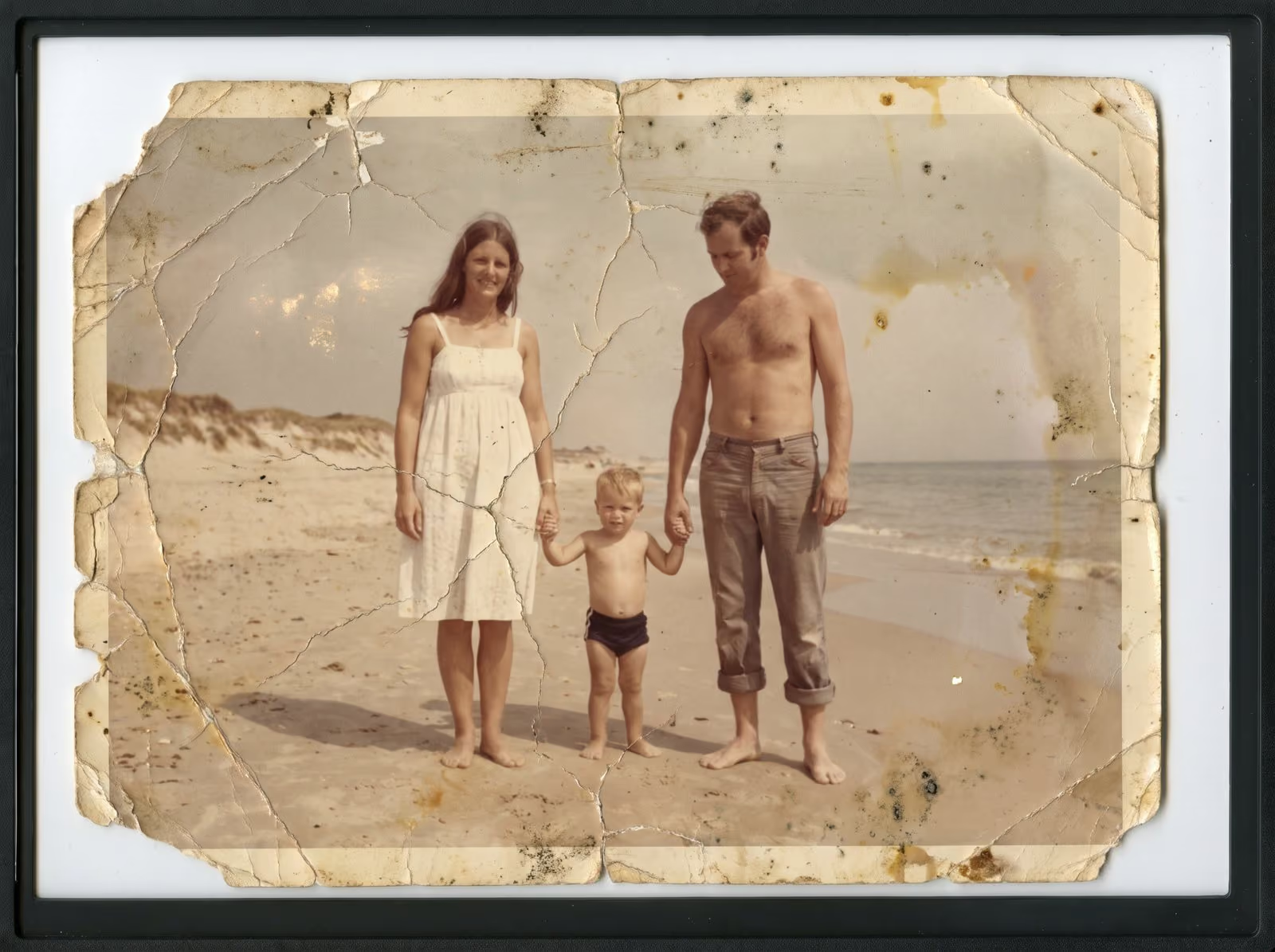
A box of 35 mm negatives is a time capsule. The pictures inside may be thirty or forty years old, and many were never printed. Scanning them turns them into files you can share, print and restore. This guide explains what happens in a film scan, what resolution to choose and how to look after the film until it is scanned.
What 35 mm film is
A 35 mm negative or slide is a small frame, about 36 mm wide and 24 mm tall, which is roughly 1.4 x 0.9 inches. Because the frame is small, a film scan needs a much higher resolution than a print. Where a snapshot is scanned at 600 DPI, a 35 mm frame is commonly scanned at 3,000 to 4,000 DPI. At 4,000 DPI the frame becomes a file of around 5,600 x 3,700 pixels, which is enough for a large print.
Negatives and slides are not the same
A negative shows the picture with inverted tones and, in colour film, an orange tint. Software turns it into a normal image. A slide is a positive: it shows the picture as you see it, mounted in a small frame. Both are 35 mm, and both can be scanned, but they are handled in different ways. If you have slides, see the slide scanning guide.
Why scan the film and not the print
A negative holds more detail and a wider range of tones than a print made from it. When a lab printed the picture, it made choices about brightness and colour, and the print has aged since. Scanning the film directly gives you the picture without those choices, so a good scan of a negative is often better than a scan of the old print. If you have both, keep the print, because it shows how the family saw the picture, and scan the negative.
What affects the quality
- Condition of the film. Scratches, dust and fingerprints show in the scan. Careful cleaning before scanning helps.
- Colour shift. Colour film changes with age. Certain colours fade faster than others, which leaves a cast over the picture. A good scan records what remains, and careful correction brings colour back to something natural.
- The sharpness of the original photo. A frame that was out of focus when it was shot stays soft, whatever the resolution.
- Film curl. Old film often curls. A scanner needs to hold it flat to keep the whole frame in focus.
How to look after film until it is scanned
Keep it in a cool, dry place, away from sunlight and heat. Leave it in its sleeves or original cans. Handle it by the edges. Never touch the picture area. Do not unroll or cut film that is still on a roll. Do not store it in an attic or a damp basement. If you see white powder or a sticky surface, or if the film smells strongly of vinegar, tell the person who will scan it. Film in poor condition needs different handling.
What you receive
You receive digital files of every frame, in order, with the originals returned to you. If you plan to restore your favourite frames, tell me which ones, and I note them. Damaged frames can be repaired after scanning. See photo restoration.
Related guides
To understand resolution in more detail, read how to choose DPI when scanning old photos. To get ready, see how to prepare photos and film for scanning and how to mail old photos and film safely.
Ready to scan your film?
I scan 35 mm film in Smoky Lake, frame by frame, and return it to you with the files. Tell me how many rolls or strips you have and what condition they are in. I reply with a plan, a quote and a turnaround. You can request a scanning quote here, read about 35 mm film scanning or call, email or message me using the details at the bottom of this page.