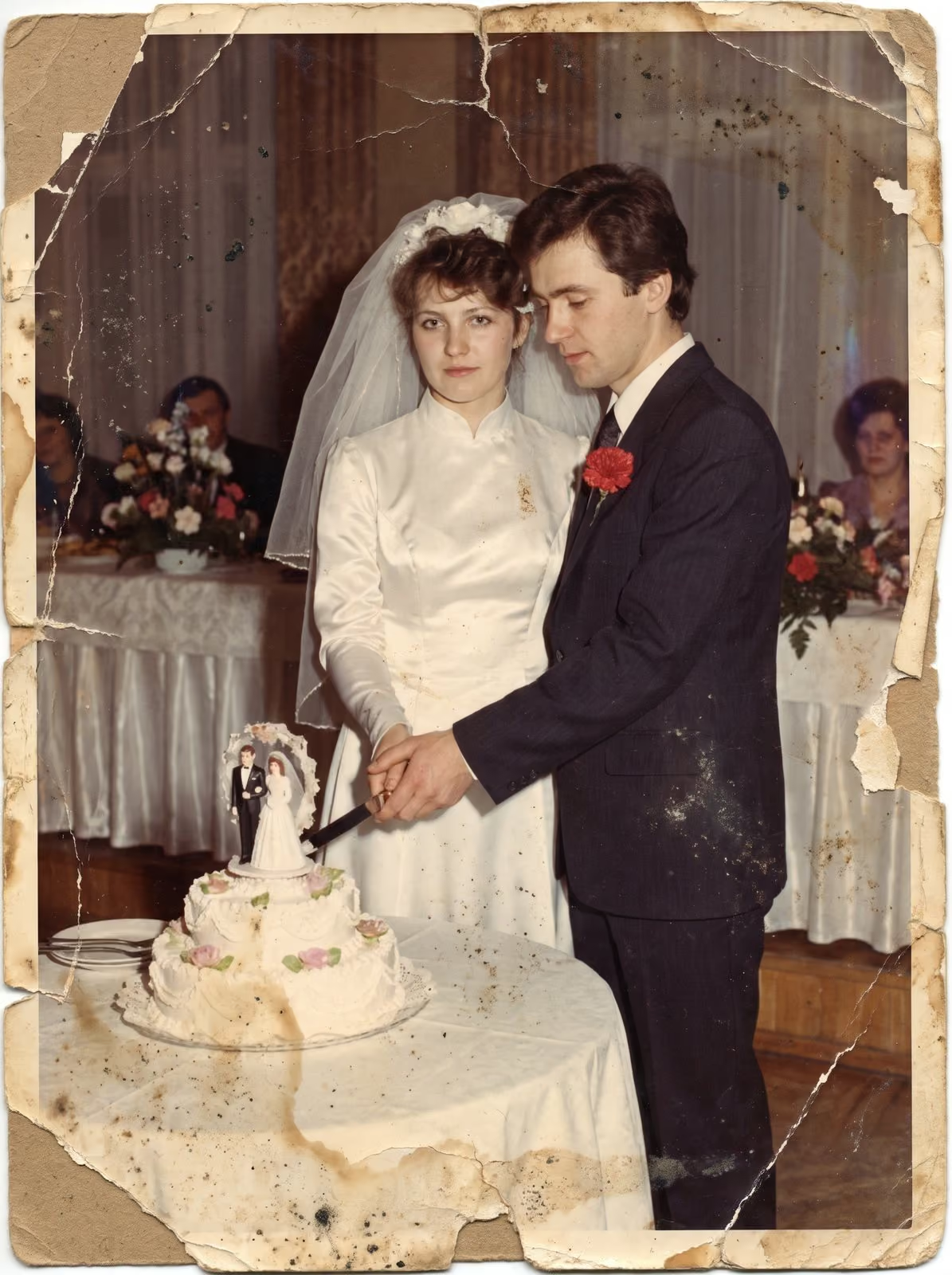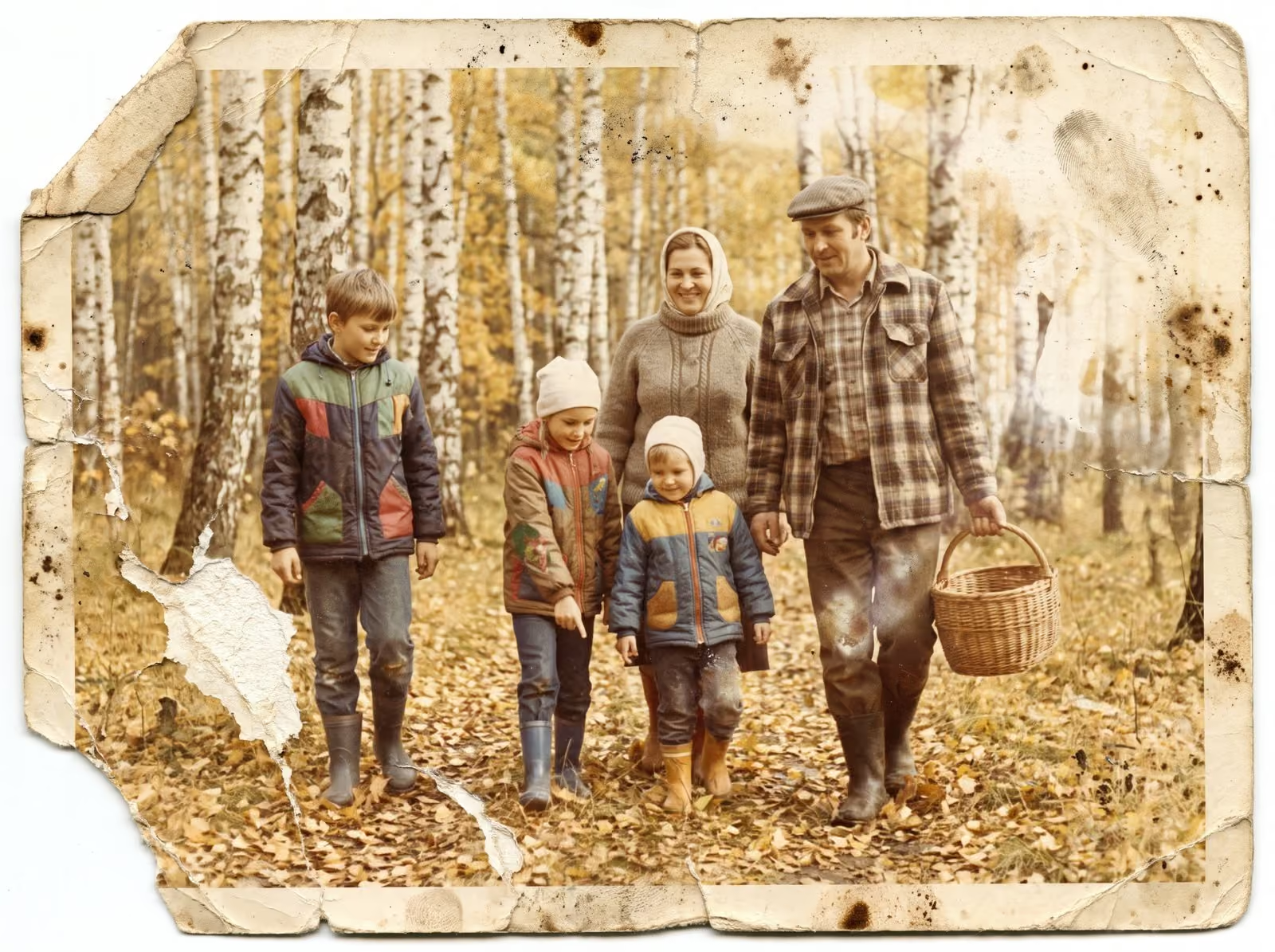
Slides were how many families recorded holidays, weddings and everyday life from the 1950s to the 1990s. They were meant to be projected, and most projectors have long since gone. The slides sit in trays and boxes, and their colours are changing. Scanning is the simplest way to save them.
How slides differ from prints and negatives
A slide is a small piece of positive film in a mount of cardboard, plastic or glass. It was made to be lit from behind, so it shows more depth and a wider range of colours than a print. That is also why slides show age: the dyes can fade, shift or react to damp. A faded slide cannot be fixed by reprinting it. It has to be scanned, and the digital file corrected.
What happens to old slides
- Colour shift. Slide dyes fade at different rates. The cyan dye often fades first, which leaves a red or magenta cast over the whole picture.
- Fungus. Damp storage can let mould grow on the film. It shows as a web of fine marks.
- Dust and fingerprints. Slides from a family trays collect both.
- Warped mounts. Heat and humidity bend cardboard mounts, which can cause the film to bulge.
- Pops and sticking. A slide that was stored in a projector tray for years can stick to its neighbour.
What a good scan does
A good scan records every detail that is left in the film at a high resolution, so that the digital file can be corrected without losing quality. For 35 mm slides, resolutions between 3,000 and 4,000 DPI are common, which gives a file of about 5,600 x 3,700 pixels. Software then corrects the colour cast, restores contrast and removes dust. The aim is natural colour, not a copy of the faded original.
Preparing your slides
Keep slides in their trays or boxes, so they stay in order. Do not take them out of their mounts. Do not touch the film itself. If a slide has mould or sticks to its neighbour, set it aside and tell the person who will scan it. Count the slides and note how they are stored: “about 300 slides in four carousel trays” is enough. If you can, write a few words about each tray, such as “Italy, 1978”. The guide to preparing photos and film for scanning has a full checklist.
Should you scan them now?
Yes, if your slides are more than twenty years old. Colour only moves in one direction. A scan made now captures more than a scan made in ten years. Slides that are already faded can still be improved, and slides that are in good condition are best captured while they are.
What to do with the files
Keep a master copy of each scan and a smaller copy for sharing. Name the files by tray and number, or by year and place. The guide to preserving a family photo archive explains how to store the files safely, with copies in more than one place.
How long it takes
A tray of 80 slides is not a quick job when done carefully. Each slide has to be cleaned, held flat and checked for focus, and the colour usually needs a correction by eye, because every slide has aged in its own way. Expect the work to be measured in days, not minutes, if you have several hundred. That is one more reason to start early and to keep the slides in their trays until the job begins: the order of the trays is often the only record of when and where the pictures were taken.
Related guides
If you have 35 mm negatives as well, read the 35 mm film scanning guide. For prints, see how to scan old photos at home. To mail your slides safely, read how to mail old photos and film.
Let me scan your slides
I scan slides in Smoky Lake, clean the dust, correct faded colour and return your slides in the order you sent them. Tell me how many you have and how they are stored, and I reply with a plan, a quote and a turnaround. You can request a scanning quote here, read about slide scanning, or call, email or message me using the details at the bottom of this page.