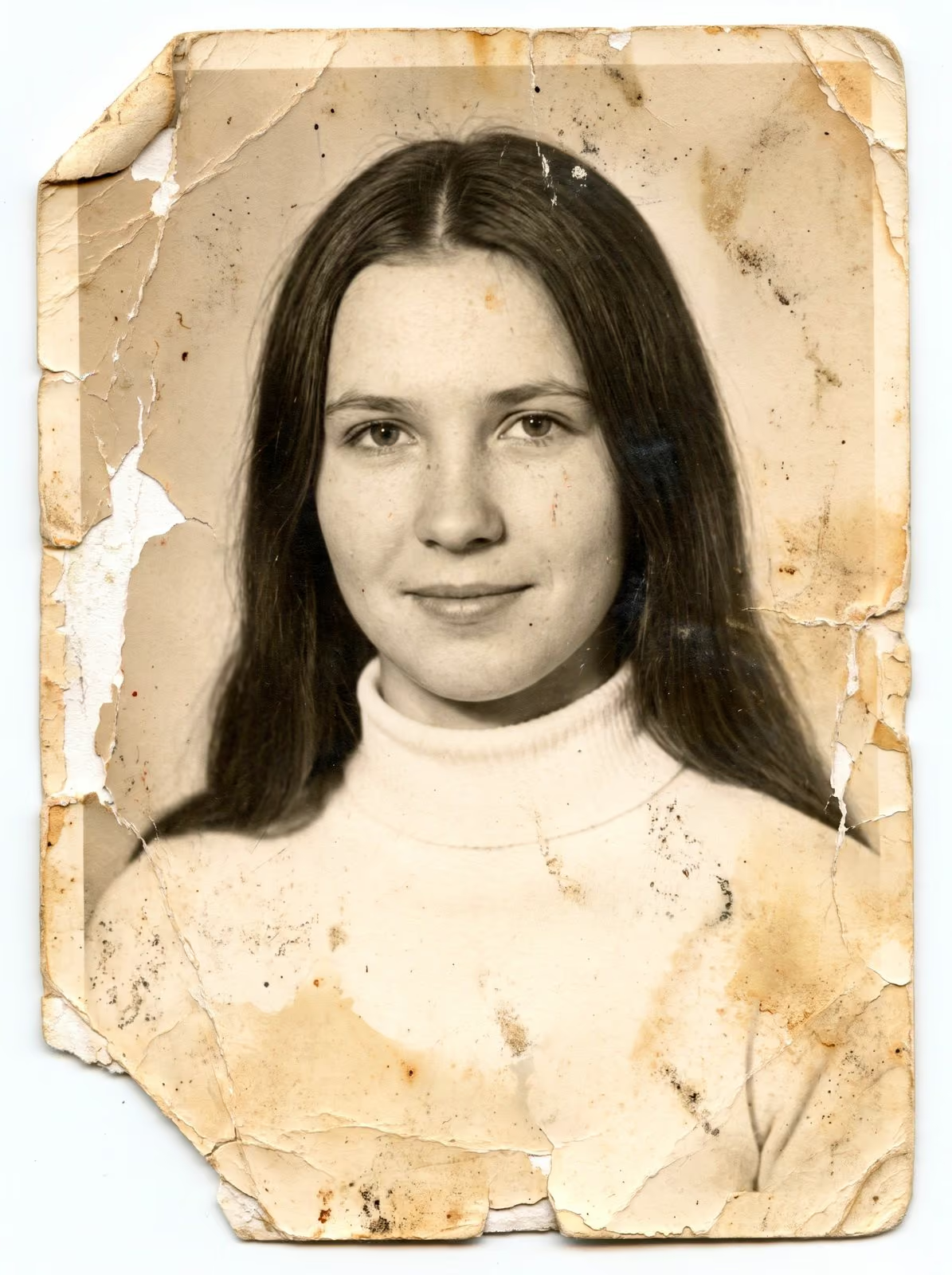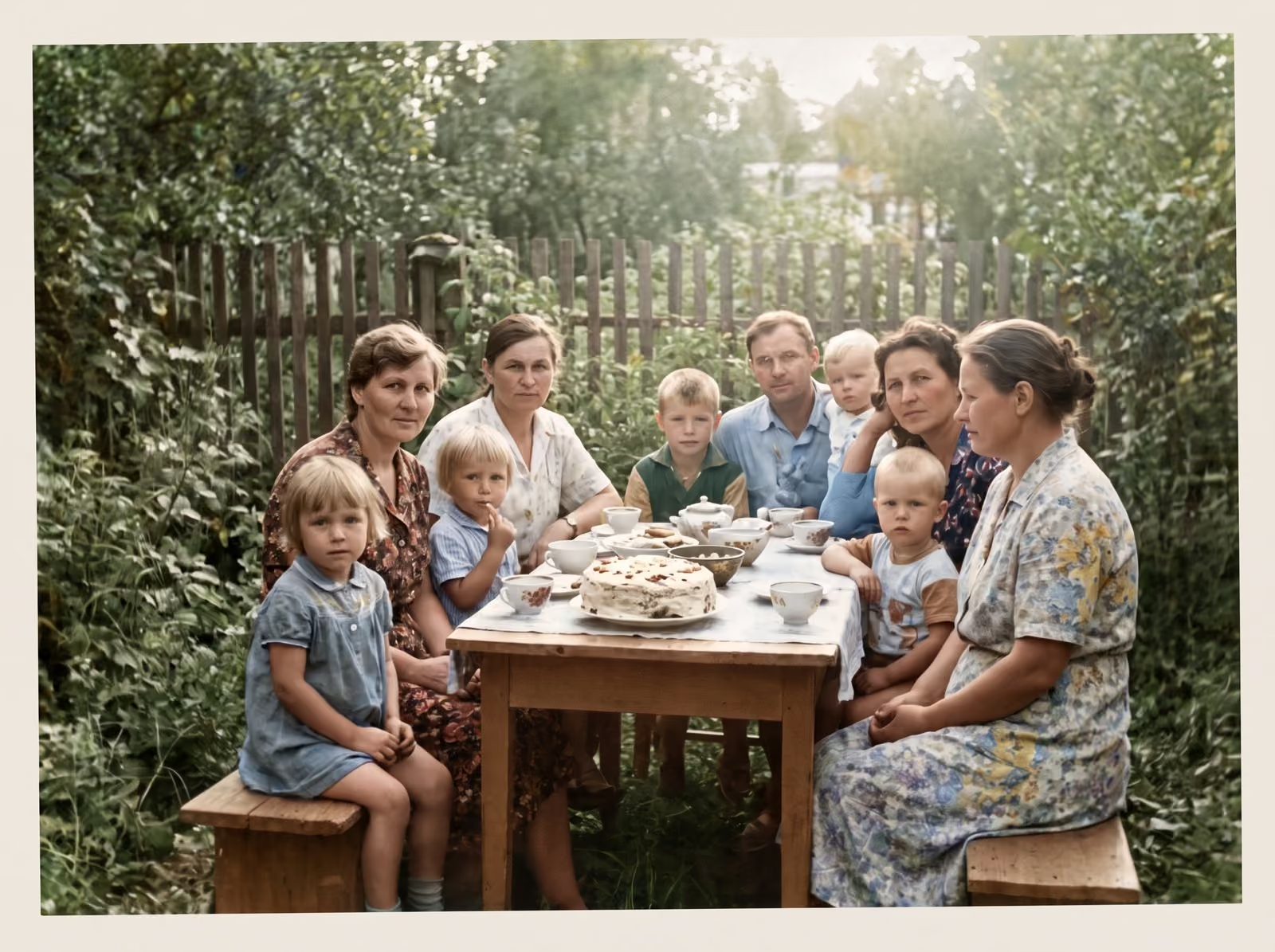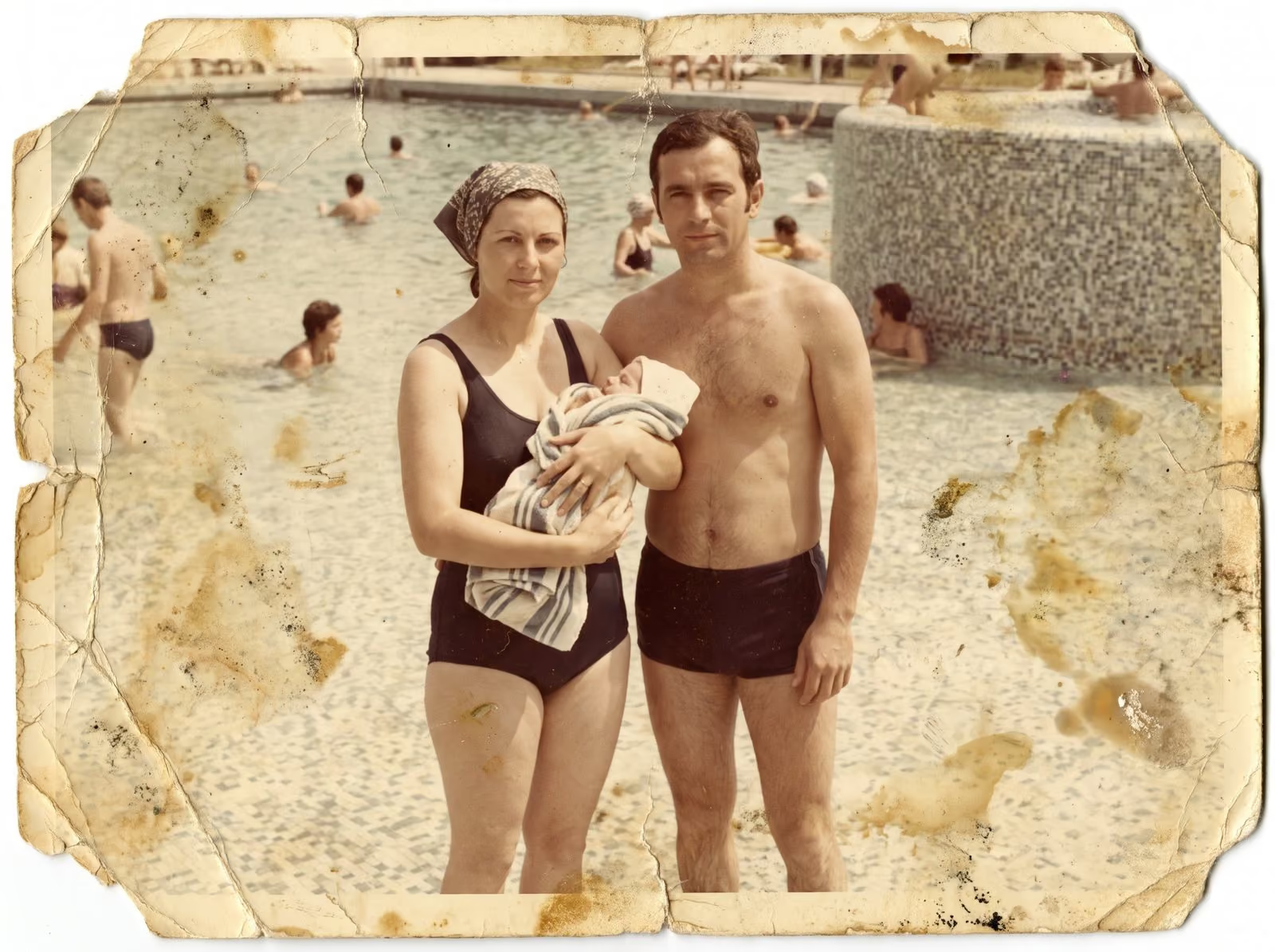
A family archive is more than a pile of pictures. It is the record of who was there, who they were with and how they lived. Preserving it takes a plan with two halves: protect the physical originals, and make sure digital copies exist in more than one place. This guide covers both.
Start with the originals
Prints, negatives and slides are damaged by four things: heat, damp, light and handling. The best place to keep them is somewhere cool, dry and dark, such as a cupboard in the middle of the house. Attics and basements swing between hot and damp, and garages are worse. Keep them off the floor, away from outside walls and well away from pipes.
Store prints in boxes or albums made of materials that will not react with them. Look for the words “acid-free” and “photo-safe” or “archival”. Avoid albums with sticky pages or magnetic strips, and avoid cheap plastic sleeves that give off fumes. Put paper between prints that touch. Keep film and slides in their sleeves or in a box made for the purpose. Do not stack heavy objects on a box of photographs.
Digitise in order of risk
You cannot scan everything at once, so decide what comes first. Begin with the most fragile and the most precious: prints that are fading or sticking, film with a vinegar smell, slides that are changing colour, and any picture that exists only once. Move on to the rest when the urgent ones are safe. The guide to preparing photos and film for scanning shows how to sort a collection, and the guide to choosing a scanning resolution shows what to ask for.
Name and describe every file
A picture without a name is a mystery within a generation. Use a naming pattern, for example 1974-christmas-grandparents-04. Add a note on the people, the place and the year. If you do not know who is in a picture, ask the oldest relatives now, and write down what they say. Record their voices if you can. These notes often matter as much as the picture.
Keep three copies, in two places
A simple rule protects digital files: three copies, on two kinds of storage, with one copy somewhere else. For a family, that might be the original files on your computer, a second copy on an external drive in a drawer, and a third copy in a cloud service or on a drive kept at a relative’s house. Check the copies once a year, and replace the drive every five years or so. Hard drives fail, and so do memory cards.
Share the archive
An archive that only one person can open is fragile. Share the files with family members, and agree who keeps the master copy. A shared folder or a printed album for each branch of the family keeps the pictures in use, and an archive in use is an archive that is looked after.
Repair what has been damaged
Once a picture is scanned, you can repair it without touching the original. Cracks, stains, fading and tears can all be restored from the scan. A restored copy can be printed and framed, and the original stays safe in its box. See photo restoration and the guide to what can and cannot be restored.
Related guides
If your photos are wet or mouldy, read first aid for damaged photographs. For scanning at home, see how to scan old photos at home. To send photos to a professional, read how to mail old photos and film safely.
Let me help you start
I scan prints, film and slides in Smoky Lake, return your originals with clean digital files and restore the pictures that need it. Tell me what you have, and I reply with a plan, a quote and a turnaround. You can request a scanning quote or a restoration quote, and you can call, email or message me using the details at the bottom of this page.