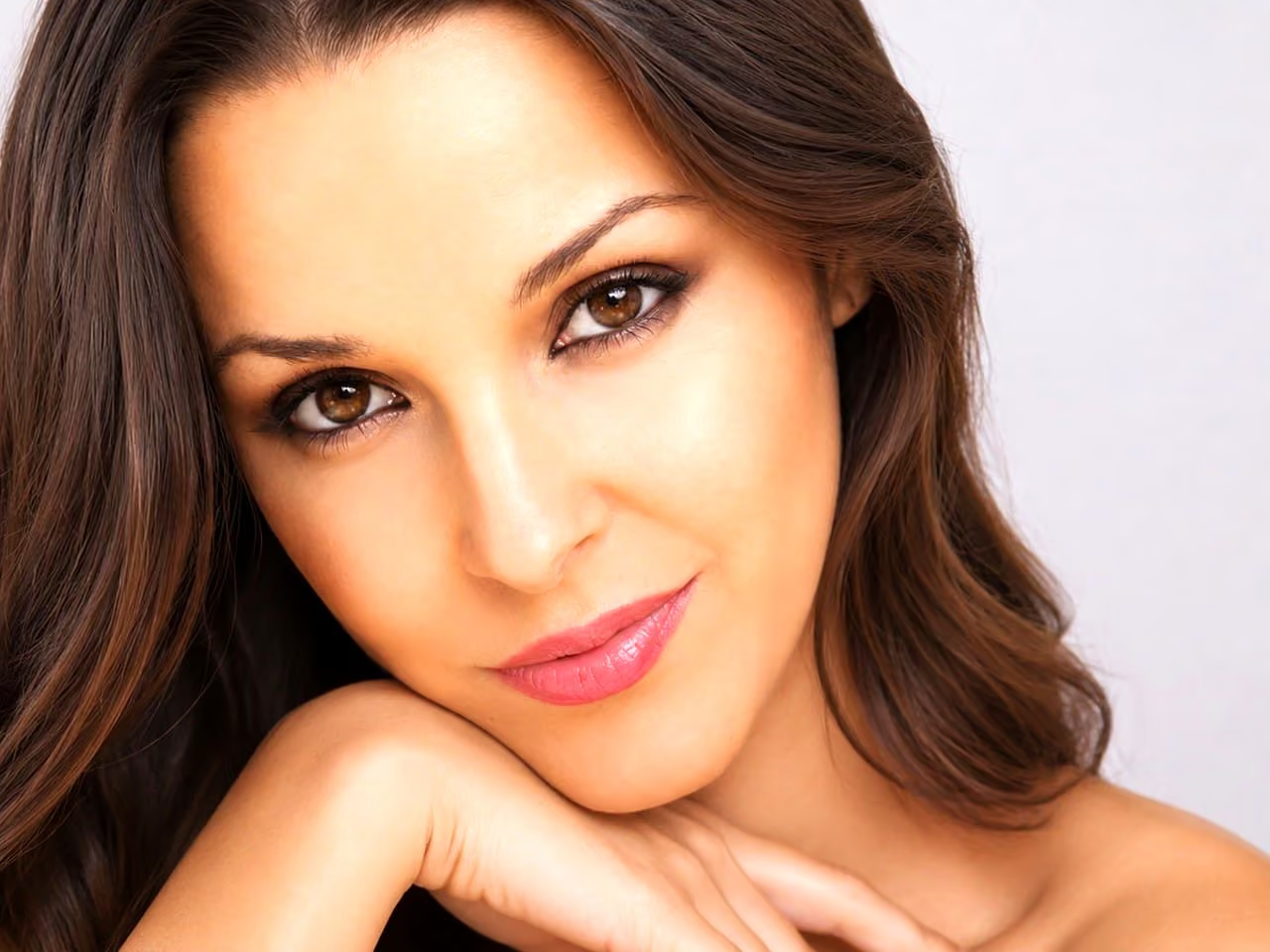
Beauty and fashion images are expected to look flawless, and that is the trap. When every pore, line and shadow is removed, the skin looks like plastic, and the viewer feels something is wrong without knowing why. The best beauty retouching looks effortless. This guide explains how to get there.
Start by deciding what the image is for
A close-up for a cosmetics campaign needs more refinement than a lifestyle shot for social media. A catalogue image needs to match colour exactly. Decide the purpose and the viewing size first. A small image on a phone hides detail, while a large print or a billboard shows everything.
Keep the skin texture
Skin has pores, fine lines, tiny hairs and variations in tone. These are what make it look real. Heavy smoothing removes them, and a soft blur across the face looks like a filter. A good retoucher fixes what is temporary, such as spots, redness, stray hairs and shine, and leaves what is permanent. Often the right approach is to even out colour and brightness, and to keep the fine texture as it is.
Shape light, not faces
A great deal of polish comes from controlling light. Gently lightening the areas that catch light and deepening the areas that fall into shadow gives the face depth and shape without changing its structure. This is done in small steps, and it should never turn a face into a different face. Changing the shape of a nose, a jaw or an eye is a different job, and one that is best discussed with the client.
Handle eyes, lips and teeth lightly
Brighten the eyes a little, and keep the catchlights natural. Clean any red veins and shadows, but leave the colour. Keep the lips’ natural colour and texture, adding gloss only if it was there. Whiten teeth to a believable tone, never brighter than the whites of the eyes.
Treat hair as a texture
Remove stray hairs and flyaways that distract, and keep the overall shape of the hair. A clean, controlled look should still feel like hair. Do not smooth strands into a solid shape.
Respect every skin tone
Skin looks different in different light, and retouching has to treat each tone with care. A technique that suits one skin tone can wash out or darken another. Check colour on a neutral reference, and view the image on more than one screen. When a set includes several models, balance each portrait on its own before matching the set.
Common mistakes
- Over-smoothing. The skin has no texture at all.
- Different treatment from image to image. One face is polished, the next is raw.
- Changing colours too far. The lips, the eyes or the hair move away from what the model looks like.
- Banding and halos. Heavy edits can leave visible edges around the face.
- Ignoring the neck and hands. A smooth face above an untouched neck looks odd.
How to brief a retoucher
Describe the finish in words: “natural but polished”, “editorial”, “soft and warm”. Send two or three reference images that show the level you like. Say what must stay, such as freckles, scars or marks that belong to the model. Say what can go. Tell the retoucher where the images will appear and at what size. Ask for one sample before sending the full set.
Make the shoot easier to retouch
A good make-up artist and good light save hours. Ask for skin prep, and use light that is soft and even. Take several frames of each look, and check the images on a large screen as you shoot. A well-prepared photograph needs a lighter touch, and a lighter touch looks better.
Related guides
For the principles behind a natural result, read natural retouching: where to stop. For team portraits, see headshot retouching for teams. To see the finish I work to, browse the beauty and fashion examples.
Send me a sample
Send two or three sample images and a line about the finish you want. I reply with a plan, a quote and a turnaround. A discount applies from 10 images. You can request a retouching quote here, read about beauty and fashion retouching, and call, email or message me using the details at the bottom of this page.