You can make a good trifold brochure in an afternoon if you take the steps in the right order. Most bad brochures fail early, at the plan, long before anyone chooses a font. This guide walks through eight steps from the first idea to a print-ready file, and it shows where people usually go wrong.
Step 1: decide what the brochure must do
Write one sentence: “After reading this, a customer will ___.” Call, book, visit, request a quote. A brochure that tries to do five things does none of them well. Keep that sentence next to you while you work.
Step 2: know who will hold it
A brochure for homeowners reads differently from one for office managers. Think about where they will pick it up: a counter, a waiting room, a letterbox, a trade show. A brochure that sits on a counter has seconds to win attention. A brochure that arrives in a letterbox has a little longer.
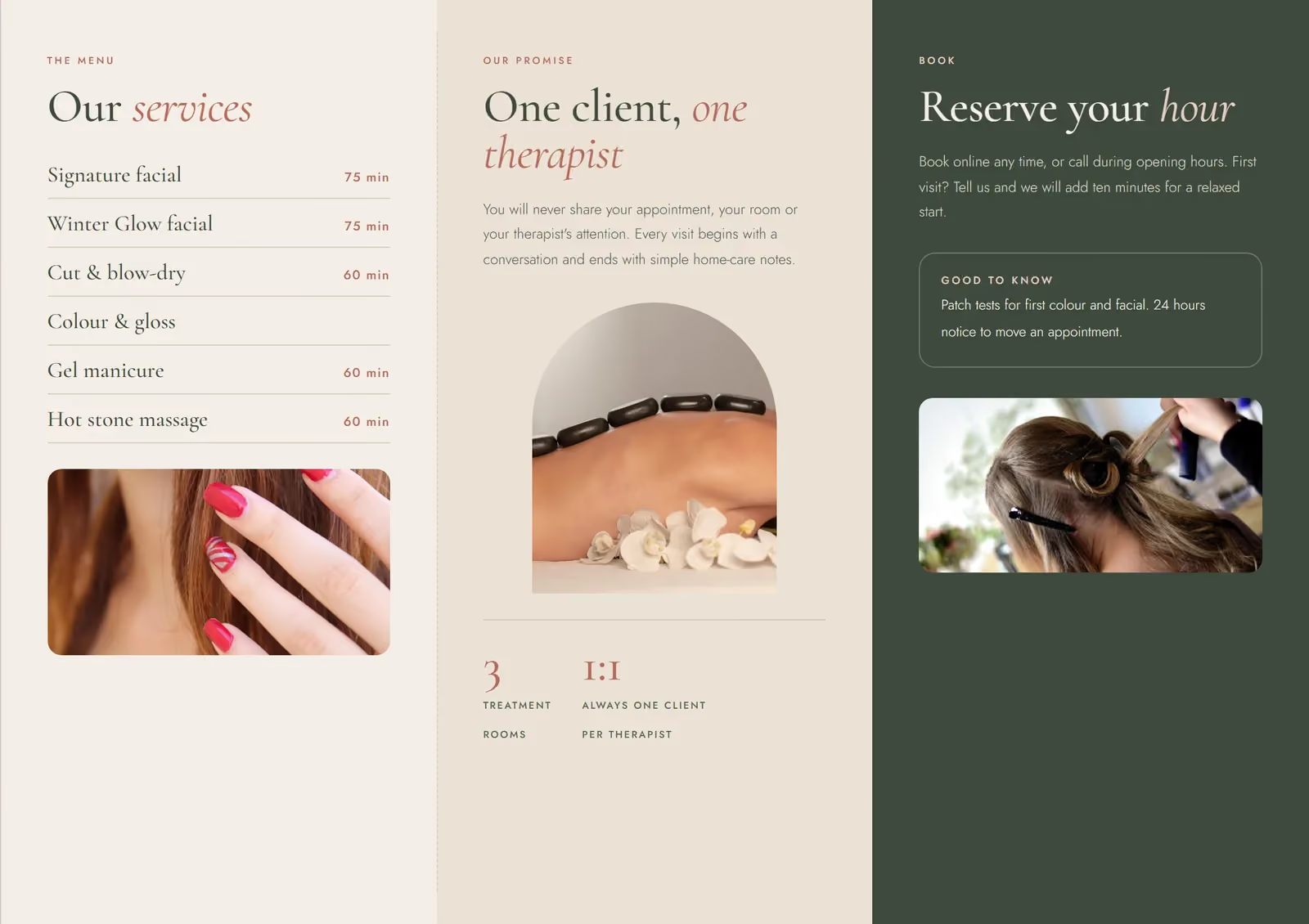
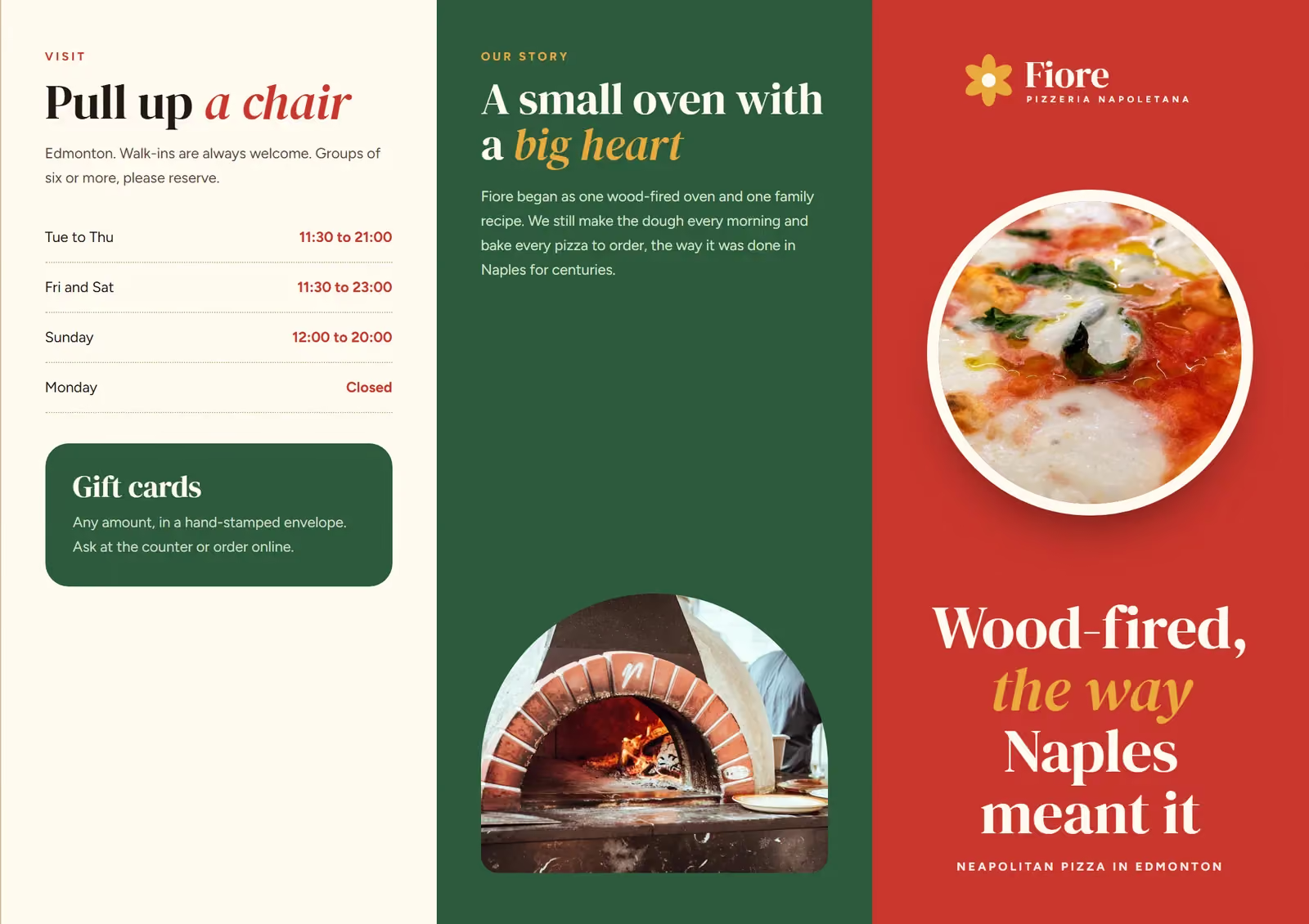
Step 3: choose the fold and plan the panels
The two common folds are the roll fold and the Z-fold. Read how to fold a tri-fold brochure if you are not sure which to use. Then give each panel one job:
- Front cover: the promise. A clear headline and one strong picture.
- Inside left: the problem you solve, in plain words.
- Inside middle: the service or product, with the main benefits.
- Inside right: proof, such as a short story, a process or numbers you can stand behind.
- Inside flap: a detail people may need, such as how it works or what is included.
- Back cover: contact details and a clear next step.
Step 4: write the copy before you design
Words first, layout second. Write each panel as a short block of text. Use short sentences and plain words. Lead each panel with a heading that makes sense on its own. Add one call to action, and repeat it on the back cover.
Step 5: choose your pictures
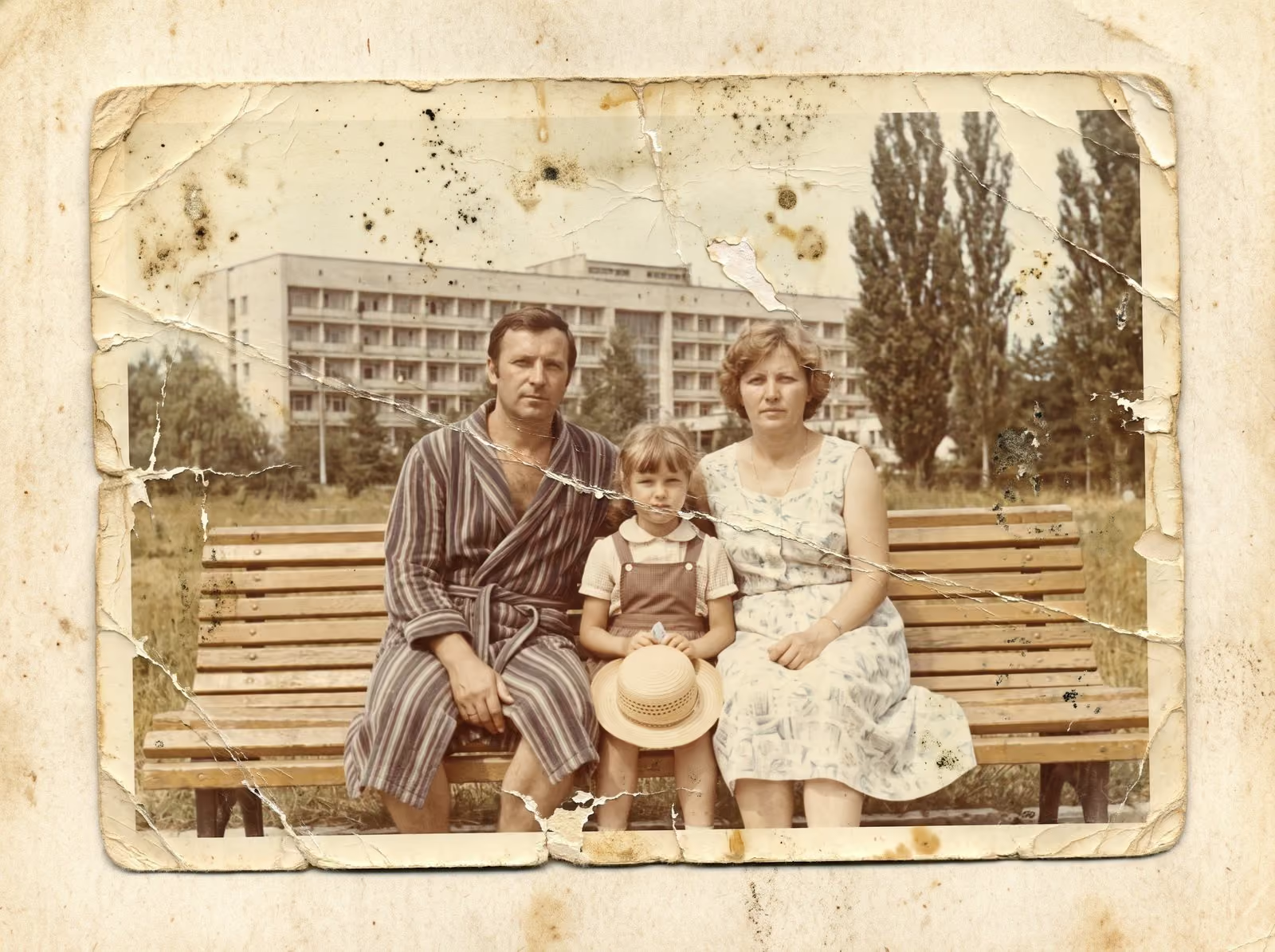
Use real photographs of your work, your team or your place. Make sure each one is large enough to print sharply, about 300 pixels per inch at print size. Poor pictures cannot be rescued by good typography. If your photos are old or damaged, photo restoration can bring them back before you place them.
Step 6: lay it out
Use the right sizes. The guide to tri-fold brochure dimensions lists the panel widths. Then:
- Set the page to the flat sheet size, with bleed.
- Mark the folds and keep text away from them.
- Use one or two typefaces and a small palette. The guide to choosing a logo and colours explains how to pick them.
- Leave white space. A crowded panel looks cheap.
- Keep text large enough to read. Body text is usually at least 9 to 10 points in print, and larger for an older audience.
You can build the layout in a design program, a word processor or an online tool. Whatever you use, export a PDF and check it carefully.
Step 7: proof it
Print a draft at full size and fold it by hand. Read it aloud. Check names, phone numbers, addresses, prices and spelling. Ask someone who has never seen the brochure to open it and tell you what it is about. If they hesitate, fix the cover.
Step 8: prepare the print file and print
Follow your printer’s instructions for the file. The guide to a print-ready brochure file lists what printers ask for: bleed, safe area, image resolution, colour mode and fonts. Order a small run first, or ask for a proof, before you print a large batch.
Common mistakes to avoid
- No clear call to action
- Too much text on the front cover
- Pictures that print soft
- Text on a fold
- Contact details that are wrong or missing
- Skipping the proof
How long does it take?
Planning and writing take the longest. Layout often takes a few hours, and proofing and printing add days. If you design it yourself, allow time for a second look after a night’s sleep. Mistakes jump out the next morning.
Related guides
For a deeper look at planning, read how to plan a tri-fold brochure that gets read. For the website that goes with it, read the website checklist for a local business.
Let me design it for you
If you would rather hand the job to a designer, tell me about your business and what the brochure must do. I reply with a plan and a quote. You can request a design quote here, read about brochure and booklet design, and call, email or message me using the details at the bottom of this page.