The fastest way to get great product images is a clear brief. A retoucher can do excellent work and still miss your taste if the brief is vague. A good brief takes twenty minutes to write and saves rounds of corrections. This guide lists what to include, with an example you can copy.
Start with the goal
Say where the images will appear and what you want them to do. A marketplace listing, your own store, a printed catalogue and a social post all need different things. For a marketplace, name the platform, since each has its own rules. The guide to product image requirements for Amazon, Etsy and Shopify lists the main ones.
Send samples
Samples work better than words. Send:
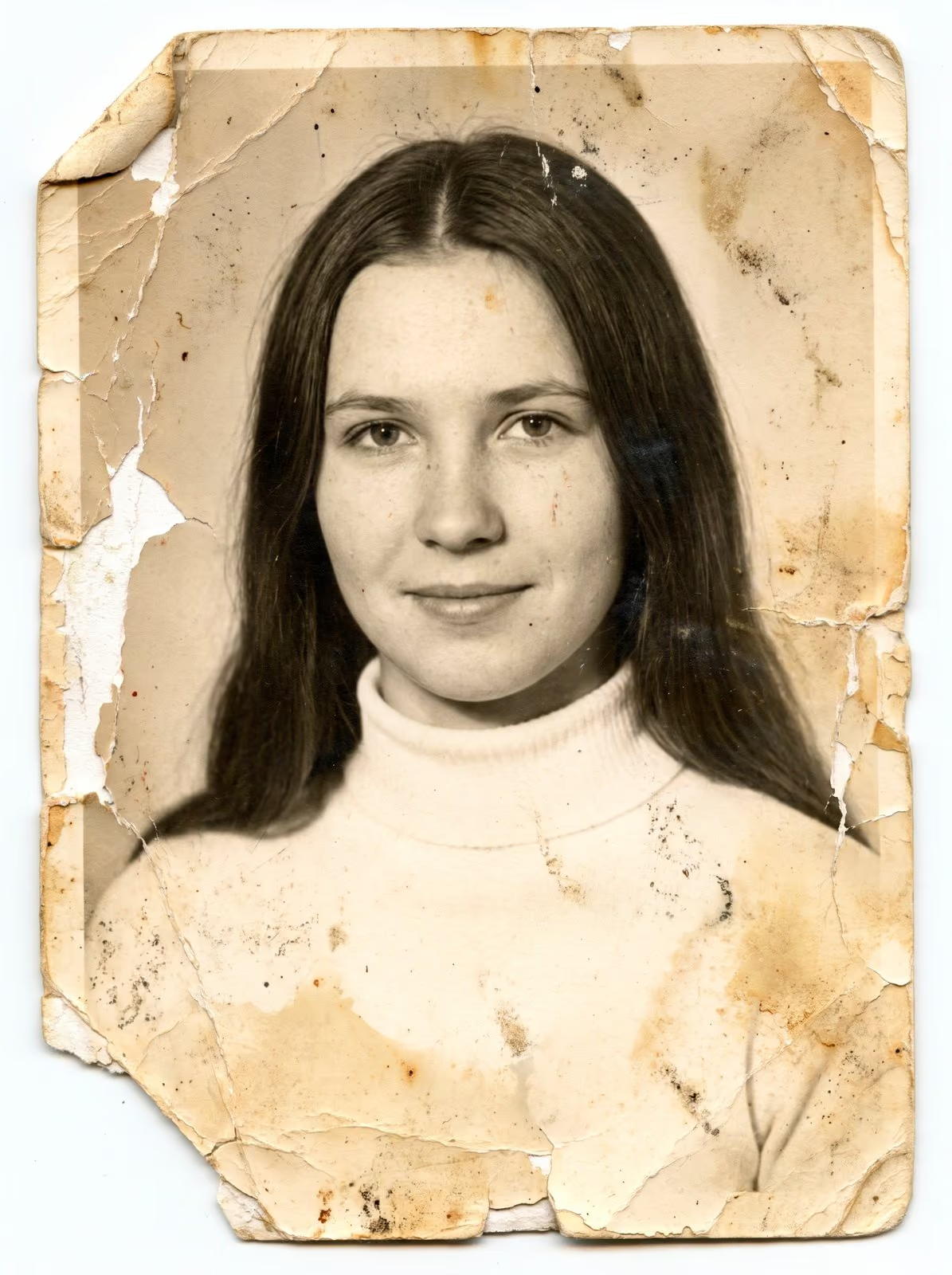
- Two or three of your own images that show typical problems: a dark product, a shiny one, a product with fine edges
- One or two reference images of the look you want, from your own store or another brand
If you have images you already love, say which parts you like: the shadow, the colour, the crop.
Describe the finished look
Cover these points:
- Background: pure white, soft grey, a colour or a scene
- Shadow: none, a soft contact shadow or a reflection
- Crop and size: the aspect ratio, the pixel size and how much room around the product
- Colour: match to the real product, and say what to use as the reference
- Style: natural and clean, or polished and dramatic
Say what must stay and what can go
Some things are part of the product, and some are not. Name the first group: logos, texture, stitching, wear on a vintage piece. Name the second: dust, labels you do not want, stands, wires and reflections of the photographer.
List the tricky items
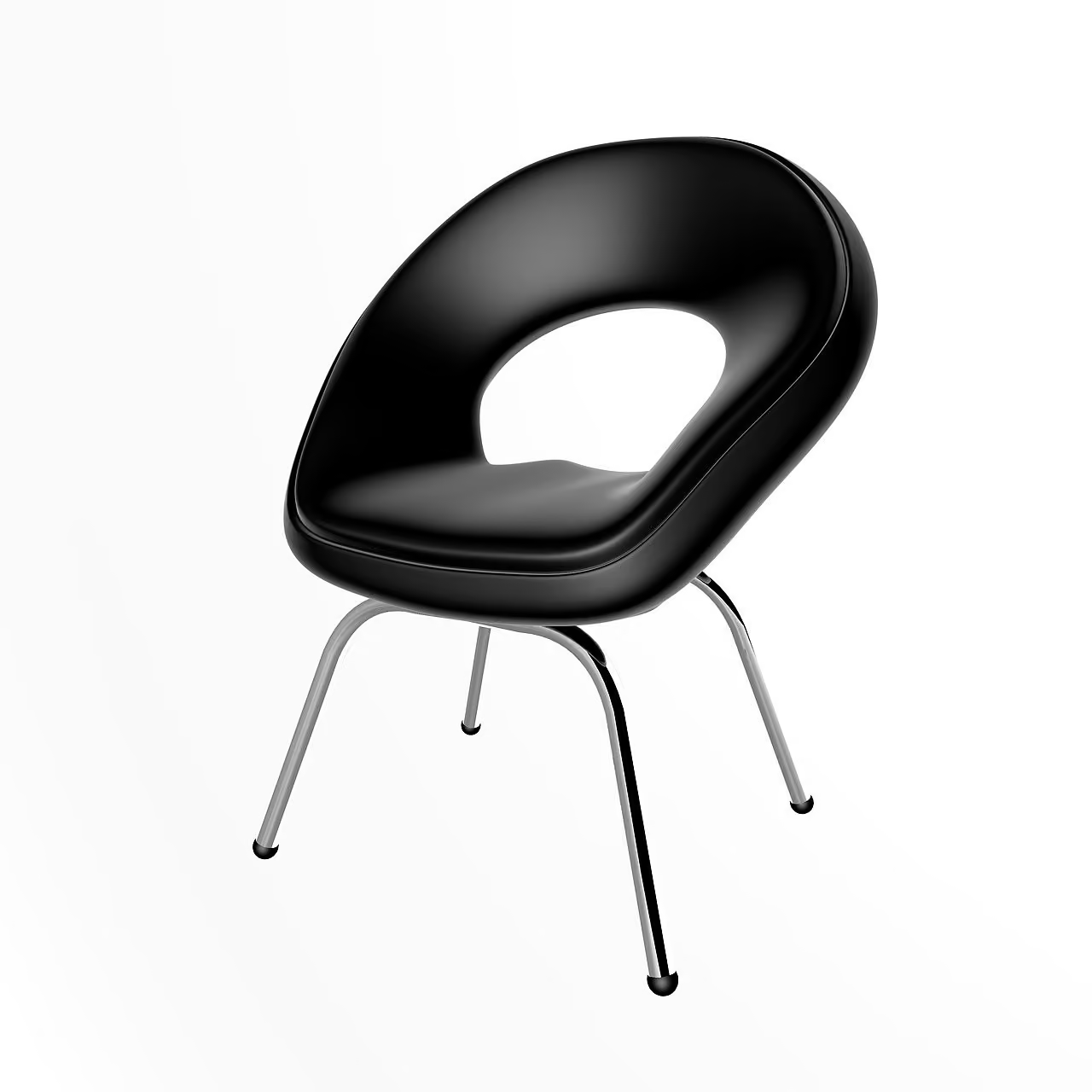
Tell the retoucher in advance about glass, jewellery, shiny metal, fur and dark products on dark backgrounds. They need more time, and a good retoucher will tell you honestly what is possible.
Agree on files and names
- Format: JPEG for the web, TIFF for print or masters
- Names: a pattern such as product code and view:
SKU123-front.jpg - Number of versions: for example one white-background version and one styled version
- Delivery: a secure download link
Agree on timing and approvals
Say when you need the images. Product and e-commerce retouching with me takes 2 to 3 business days, and a volume discount applies from 50 images. For a large catalogue, ask the retoucher to send a first small batch for approval, so you can confirm the look before the whole set is done.
Send the right files
Send the largest, sharpest files you have, not screenshots or compressed copies. If you shoot RAW, ask whether the retoucher can work with the raw files. Keep your originals, and treat the retoucher’s work as a copy.
An example brief you can copy
“We sell handmade ceramics on our own store and on Etsy. Attached are 40 photos of 10 products, four views each. Please clean the background to pure white, remove dust and fingerprints, and match the colour to the reference photo of the glaze. Add a soft shadow under each piece. Crop to a 4:5 ratio with about 8% margin. Keep the texture of the glaze and the small imperfections of the clay, because they are part of the product. Return JPEGs named by product code and view. We need the first three products in two days, so we can check the look.”
Common brief mistakes
- No samples
- No mention of where the images will be used
- Asking for “natural” without saying what that means
- Sending small, compressed files
- Changing the look halfway through a batch
Related guides
To understand the work, read what a product retoucher does. To decide whether to outsource, read product photo retouching, do it yourself or outsource.
Send me your brief
Send your sample images and a few lines about the finished look. I reply with a plan, a quote and a turnaround. You can request a retouching quote here, read about product photo retouching, and call, email or message me using the details at the bottom of this page.