If you sell things online, you have probably heard the word “retoucher” and wondered whether you need one. A product retoucher takes the photographs from your shoot and makes them ready for the store. The goal is a picture that shows the item as it is and makes a buyer want to click “add to cart”. This guide explains the work, step by step.
The short answer
A product retoucher edits product photographs. They clean the background, remove dust, scratches and fingerprints, correct colour so it matches the real item and make a whole set of images look consistent. A good retoucher does this without changing the product itself, because a picture that misleads leads to returns.
What a product retoucher does
Cleans the background
Most stores want a clean, even background, often white or a soft colour. A retoucher removes the background or evens it out, and removes stands, clamps, wires and floor marks.
Removes dust and marks
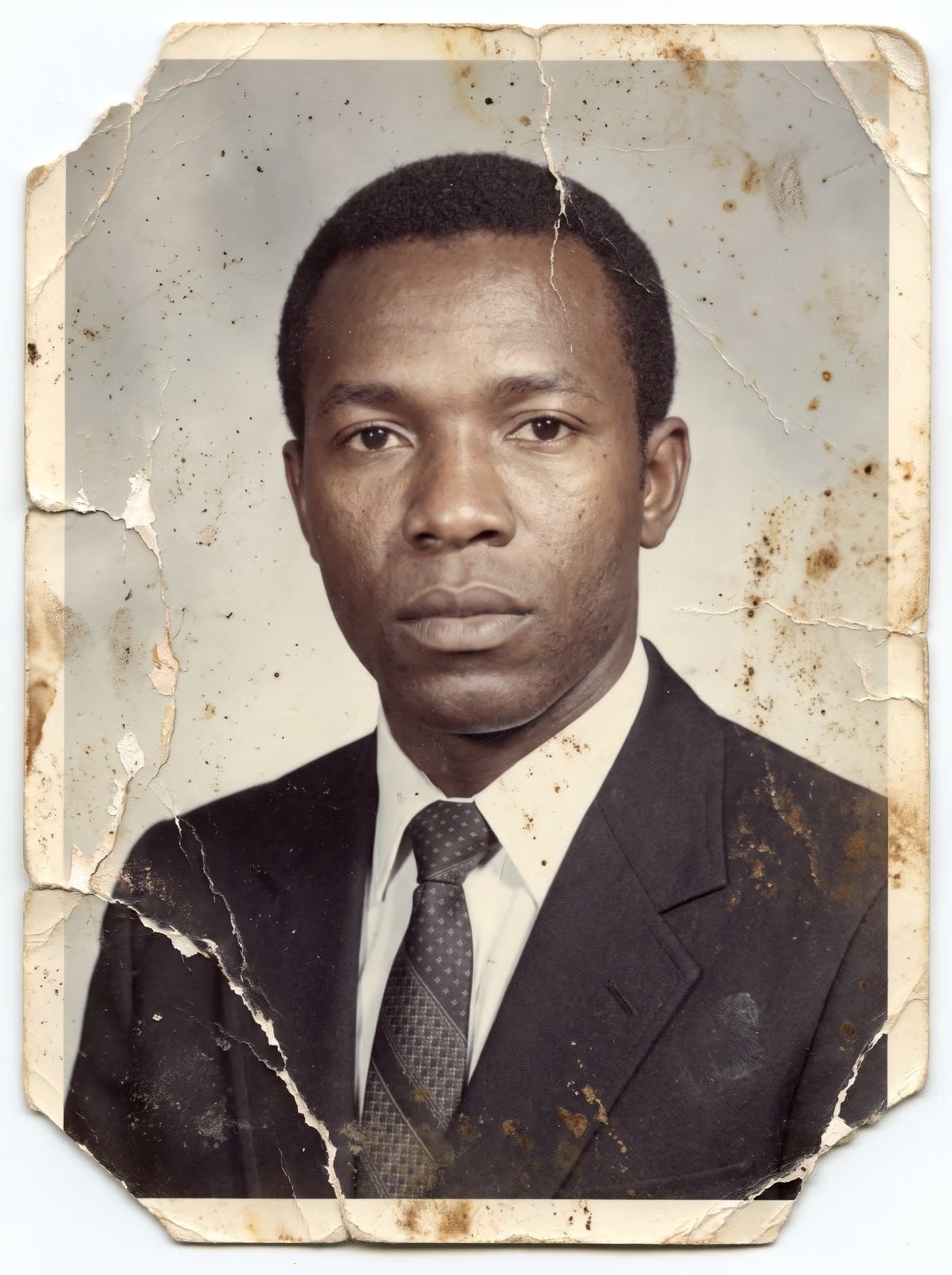
A product that looks spotless in the studio often shows dust, lint, fingerprints and small scratches in the photograph, especially on glossy, dark or reflective items. The retoucher cleans them from the image.
Corrects colour
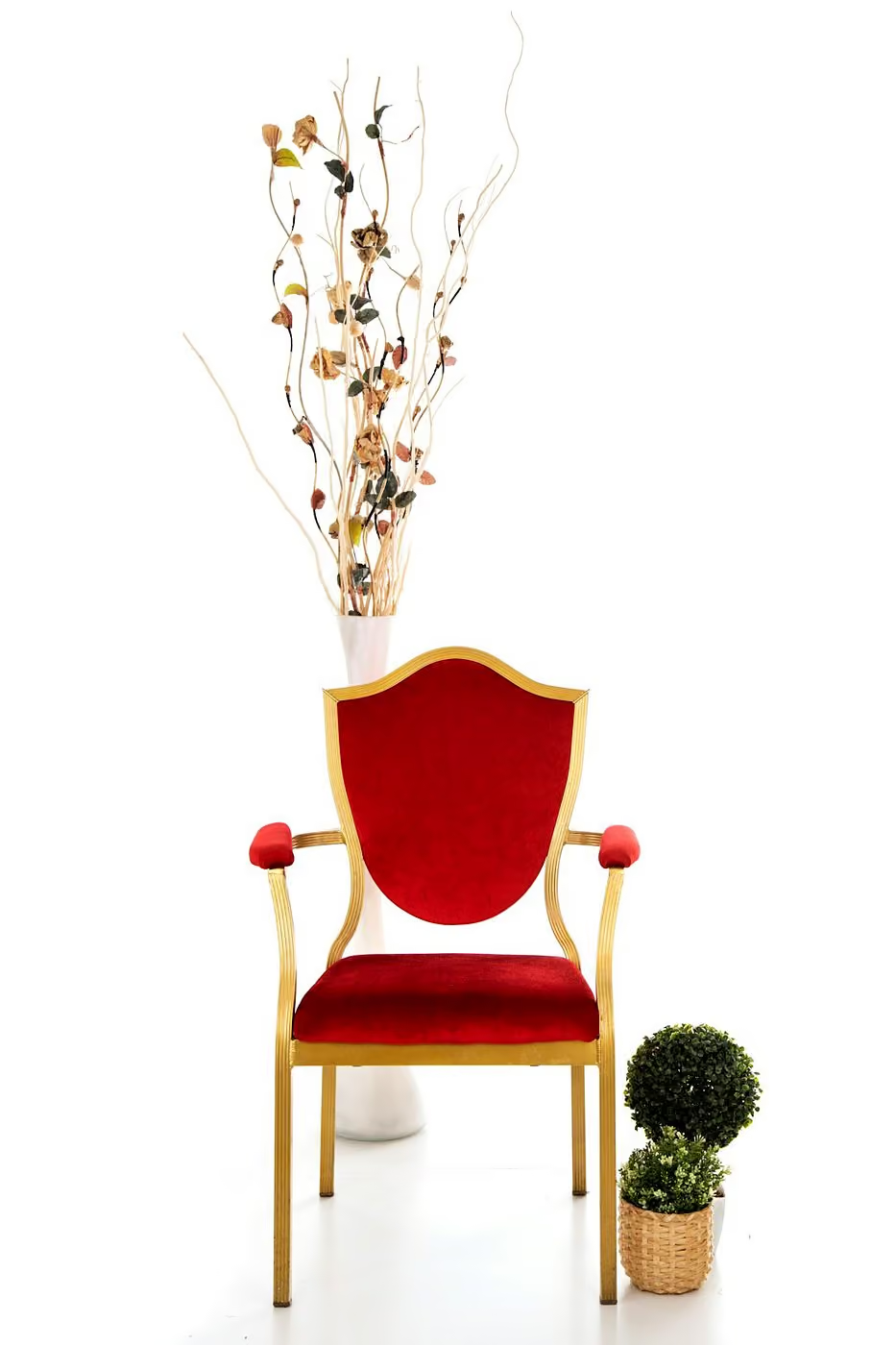
Colour is the biggest cause of returns. A retoucher matches the photo to the real product, using a reference such as a colour card or the item itself. A red chair should look like the red chair that arrives.
Fixes shape and perspective
Lens distortion can bend straight lines. A retoucher straightens edges, aligns the product and crops images to the same size.
Adds shadow and depth
A product cut out on pure white can look pasted. A soft, natural shadow under it makes it look as if it sits on a surface.
Keeps a set consistent
When a customer scrolls through your catalogue, every image should feel like part of one family. A retoucher uses the same background, the same light and the same crop for the whole set.
What a product retoucher should not do
A retoucher should not change what the product is. Do not hide a real scratch on a used item, change the colour of the fabric or remove a flaw the buyer will find. Honest retouching builds trust and cuts returns.
Tricky items
Some products take more care:
- Glass and transparent items, because the background shows through
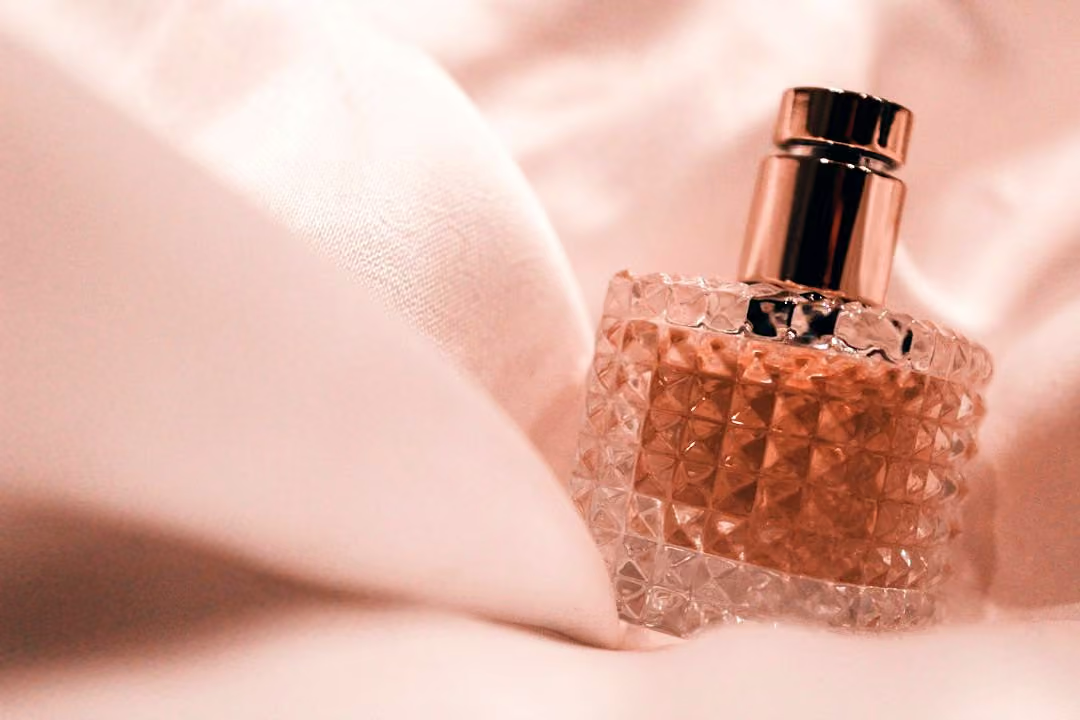
- Jewellery and shiny metal, because reflections show everything
- Fur, hair and lace, because edges are fine and soft
- Dark items on dark backgrounds, because detail disappears
Tell your retoucher about these when you ask for a quote.
When it pays to hire a retoucher
- You have more than a few dozen images, or a launch with a deadline
- Your products are hard to photograph
- You want one consistent look across a catalogue
- Your time is better spent on selling than on editing
The guide to product photo retouching, do it yourself or outsource helps you decide, and the product photo checklist shows how to shoot images that edit well.
How it works with me
- You send a few sample images and tell me where they will be used: your own store, a marketplace or print.
- I reply with a plan, a quote and a turnaround. Product retouching takes 2 to 3 business days, and a volume discount applies from 50 images.
- You send the full set, and I return finished images by secure download.
Retouching is quoted per order, because the work depends on your images. Read about product photo retouching and e-commerce photo retouching.
Related guides
To prepare images for each platform, read product image requirements for Amazon, Etsy and Shopify. To write a good brief, read how to brief a product retoucher.
Send me a sample
Send two or three sample images and tell me where they will be used. I reply with a plan, a quote and a turnaround. You can request a retouching quote here, and call, email or message me using the details at the bottom of this page.