Every marketplace has its own rules for product photos, and the rules change. A picture that works on your own store may be rejected on Amazon, and a picture that is fine on Amazon may look dull on Etsy. This guide covers the main requirements, shows how to prepare one master set of images that adapts to each platform and tells you where to check the current rules.
A note before you start: platform rules are updated often. Treat this guide as a starting point and confirm the details on the platform’s own help pages before you upload.
Amazon
Amazon is the strictest of the three. As described in seller guidance at the time of writing, the main image rules include:
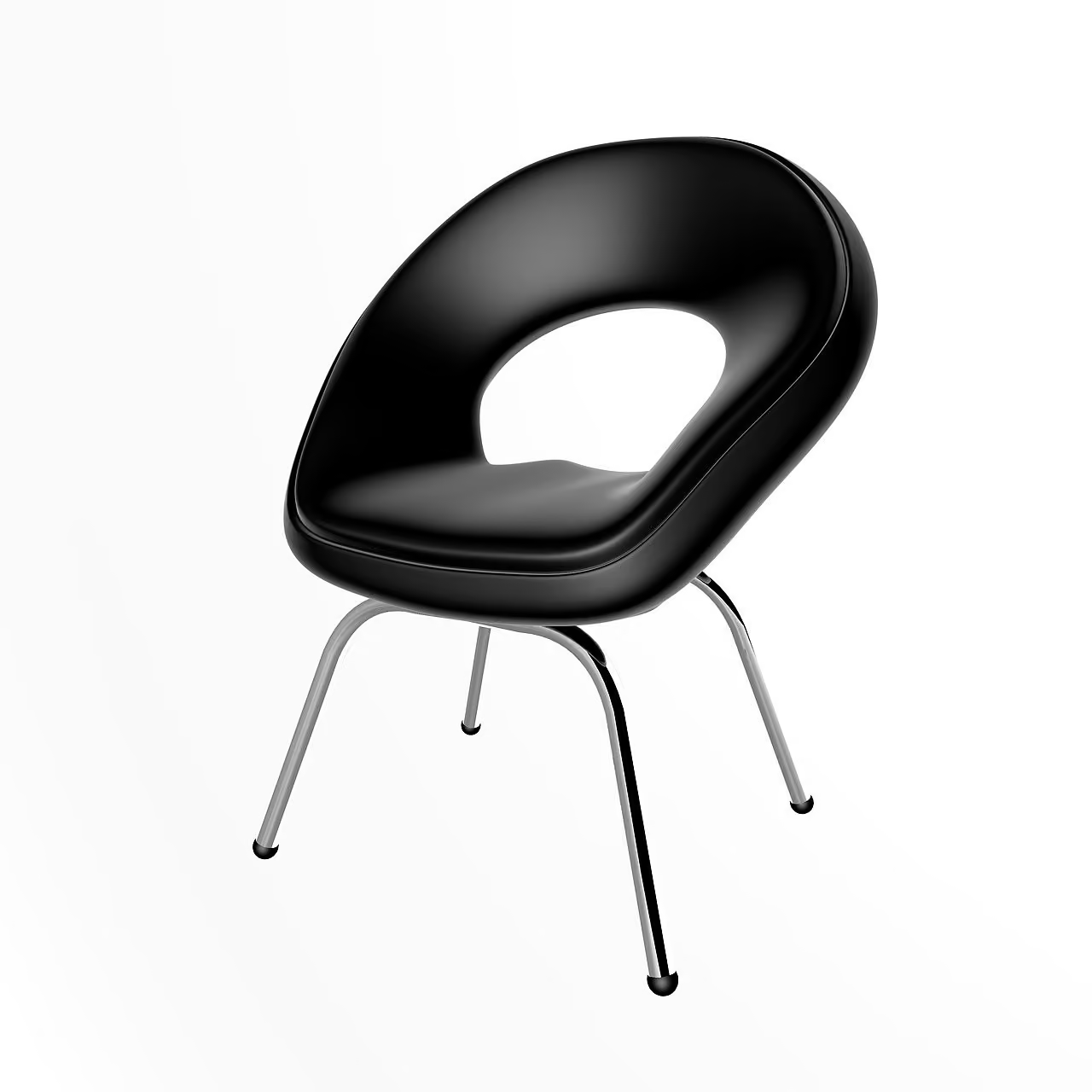
- Background: pure white, RGB 255, 255, 255. Off-white, cream and grey backgrounds are reported to be rejected.
- Product fills the frame: about 85% of the image.
- Only the product: no text, logos, watermarks, badges or props in the main image.
- Size: at least 1,000 pixels on the longest side, which enables the zoom feature. Many sellers use 1,600 to 2,000 pixels or more.
- File type: JPEG, TIFF or PNG.
Some categories, such as apparel and jewellery, have extra rules. Check your category.
Etsy
Etsy listings are more flexible, and they reward pictures that look good and tell a story. Commonly recommended practice includes:
- Large images, about 2,000 pixels or more on the short side, so buyers can zoom
- A consistent aspect ratio across a listing, often 4:3 or square, so the thumbnails line up
- The first photo as the hero, because it appears in search results
- A mix of pictures: product on a clean background, product in use and a detail close-up
Check Etsy’s current help pages for the exact recommendations.
Shopify
Shopify is a platform for your own store, so the rules come from your theme. Themes display product images best when every image has the same size and aspect ratio. Check your theme’s documentation for the recommended size, and keep all images in a collection the same shape. A mix of tall and wide pictures makes a catalogue look uneven.
One master set that adapts everywhere
You do not need a different shoot for every platform. Prepare one master set and make versions from it:
- Shoot large. Take photographs at the highest quality your camera offers, with the product centred and room around it.
- Retouch once. Clean the background, remove dust and marks and correct colour. A product retoucher can do this for a whole catalogue.
- Save a pure white version for Amazon and similar marketplaces.
- Save a styled version with a soft shadow or a coloured backdrop for your own store and Etsy.
- Resize, from the large master down. Never enlarge a small file.
- Name files consistently, such as product code, then view:
SKU123-front.
Common rejection reasons
- A background that looks white but is a light grey
- A product that fills too little of the frame
- Text or a logo on the main image
- A blurry or low-resolution image
- A different colour in the picture from the real item
A retoucher can fix each of these, and a quick check of the background value catches the first one.
A pre-upload checklist
- Background value checked for the marketplace
- Product fills the frame as required
- Image size meets the minimum, with room to spare
- Colour matches the real product
- Same aspect ratio across the set
- File names and order ready
Related guides
For the shoot itself, read the product photo checklist for your online store. For the store pages, read online store product page basics.
Get your images ready for every platform
Send me a few sample images and tell me where they will be used. I clean them and return files ready for your platforms. Product and e-commerce retouching takes 2 to 3 business days, and a volume discount applies from 50 images. You can request a retouching quote here, read about e-commerce photo retouching, and call, email or message me using the details at the bottom of this page.