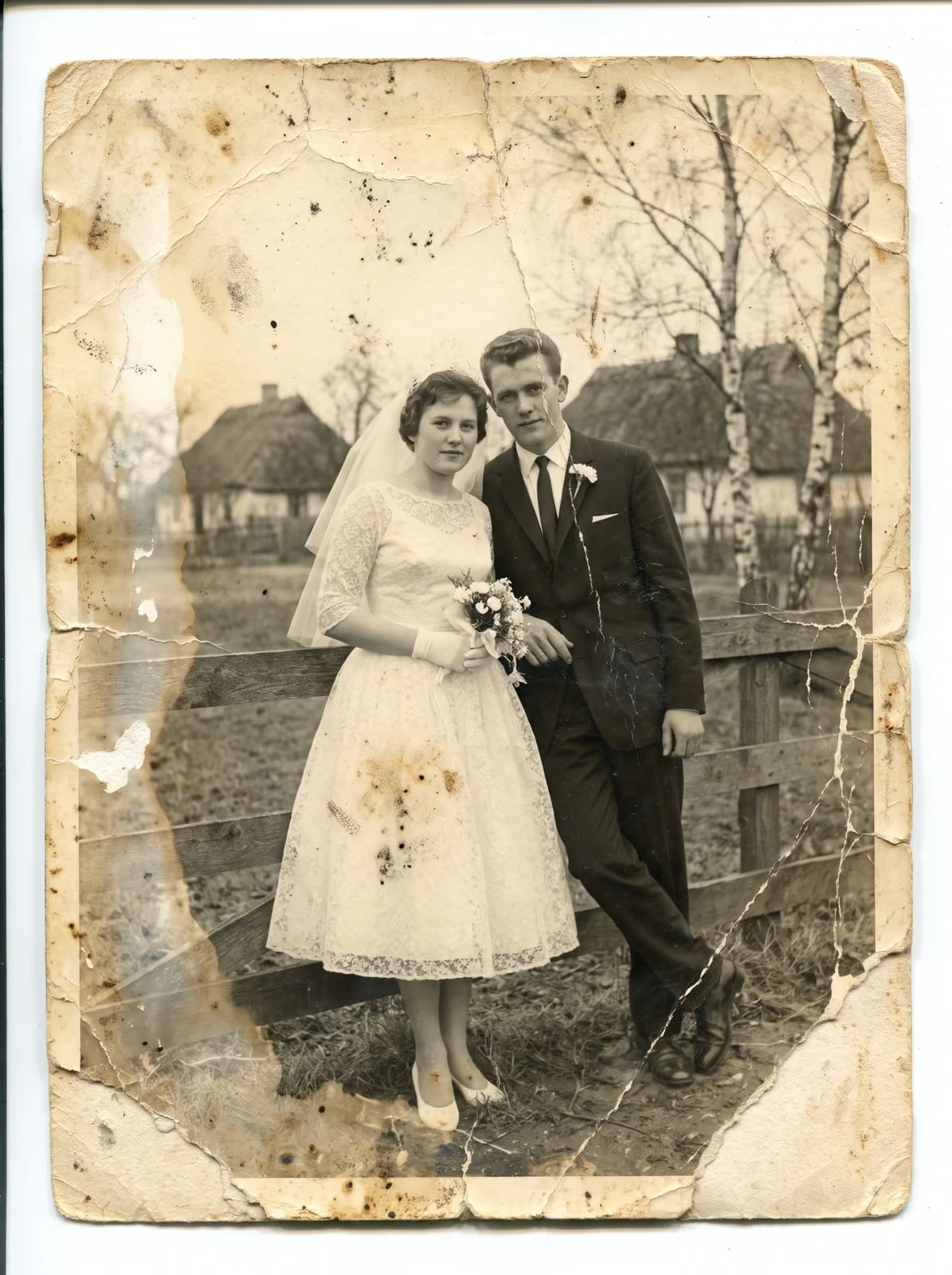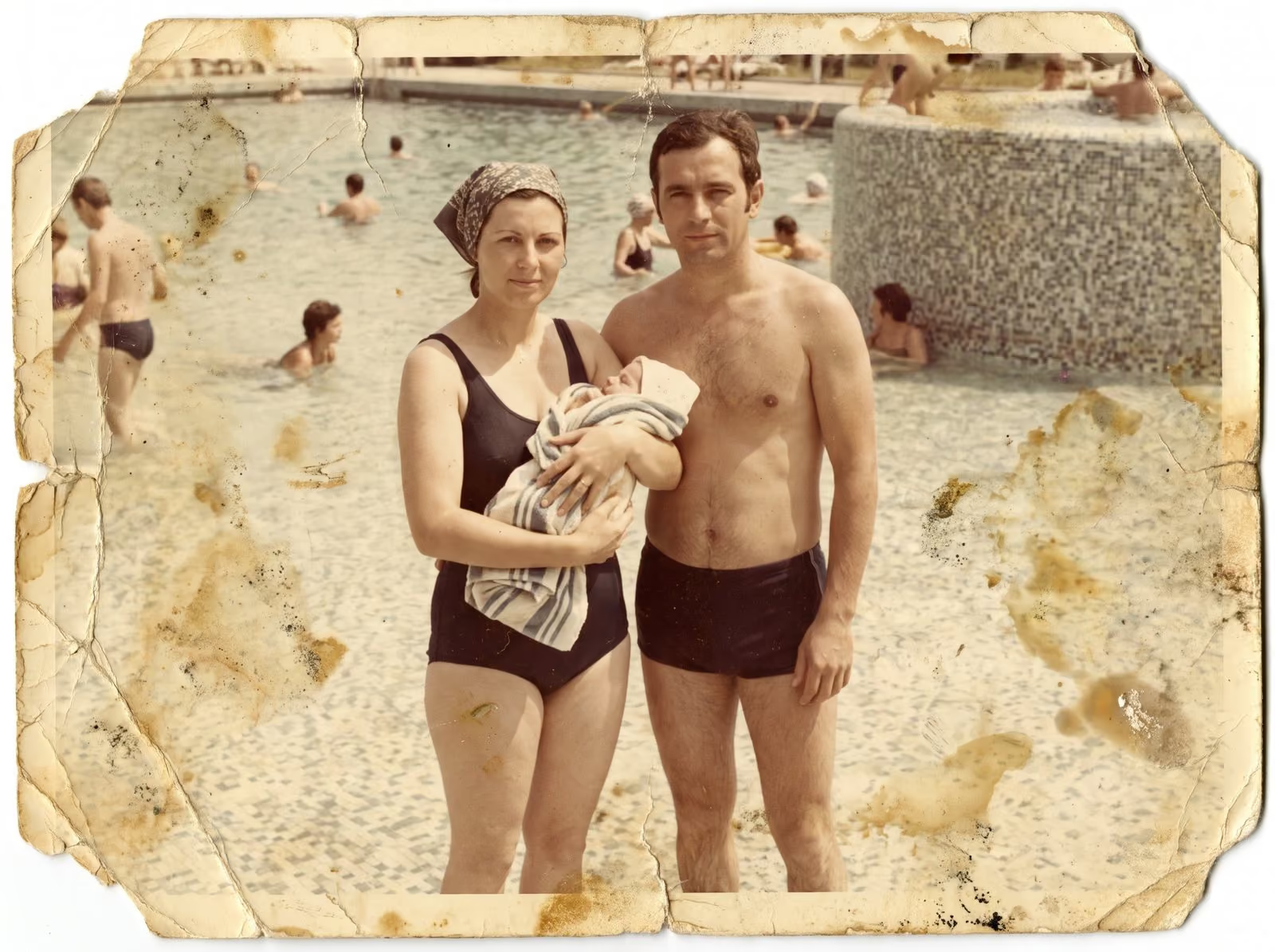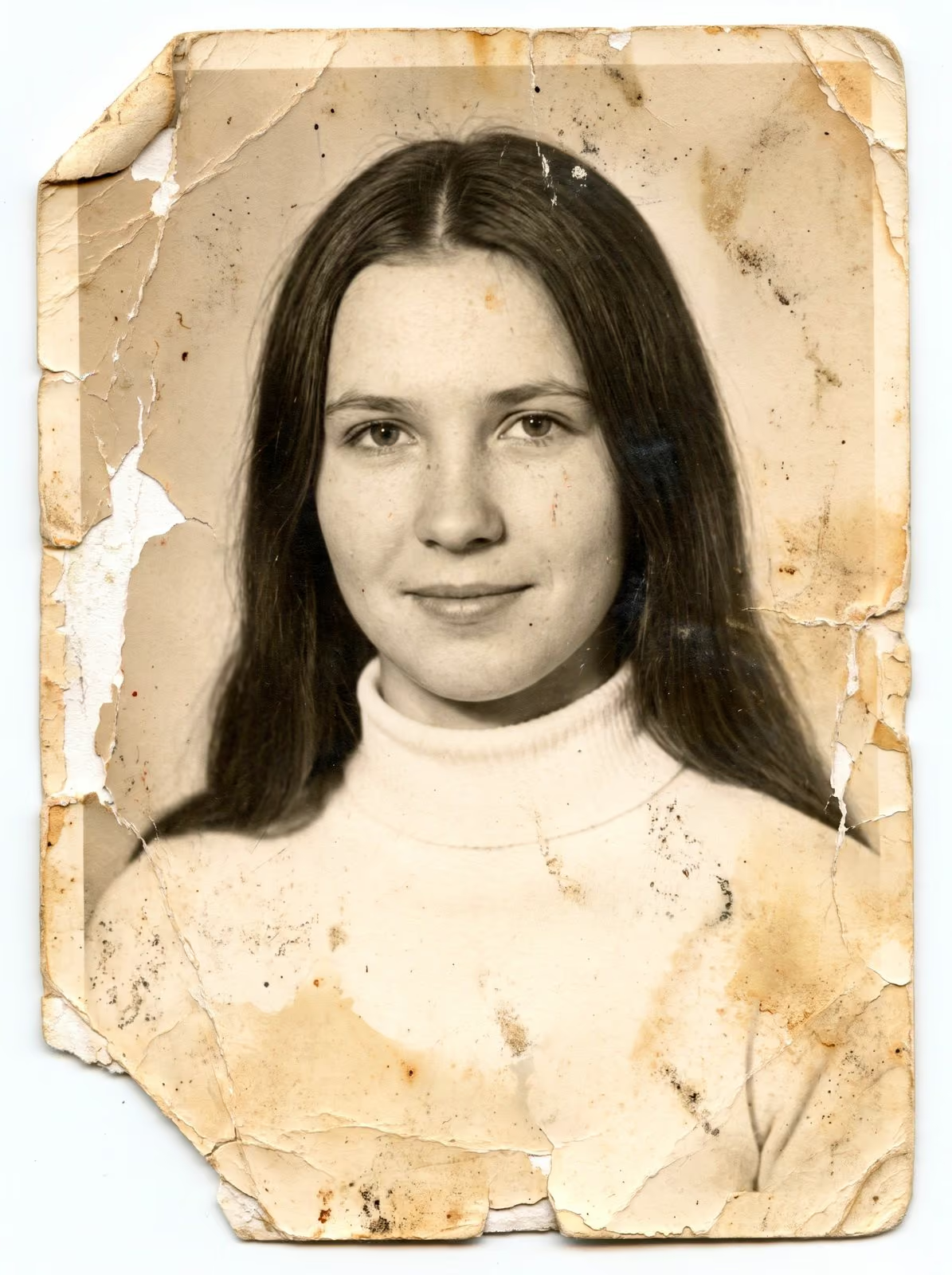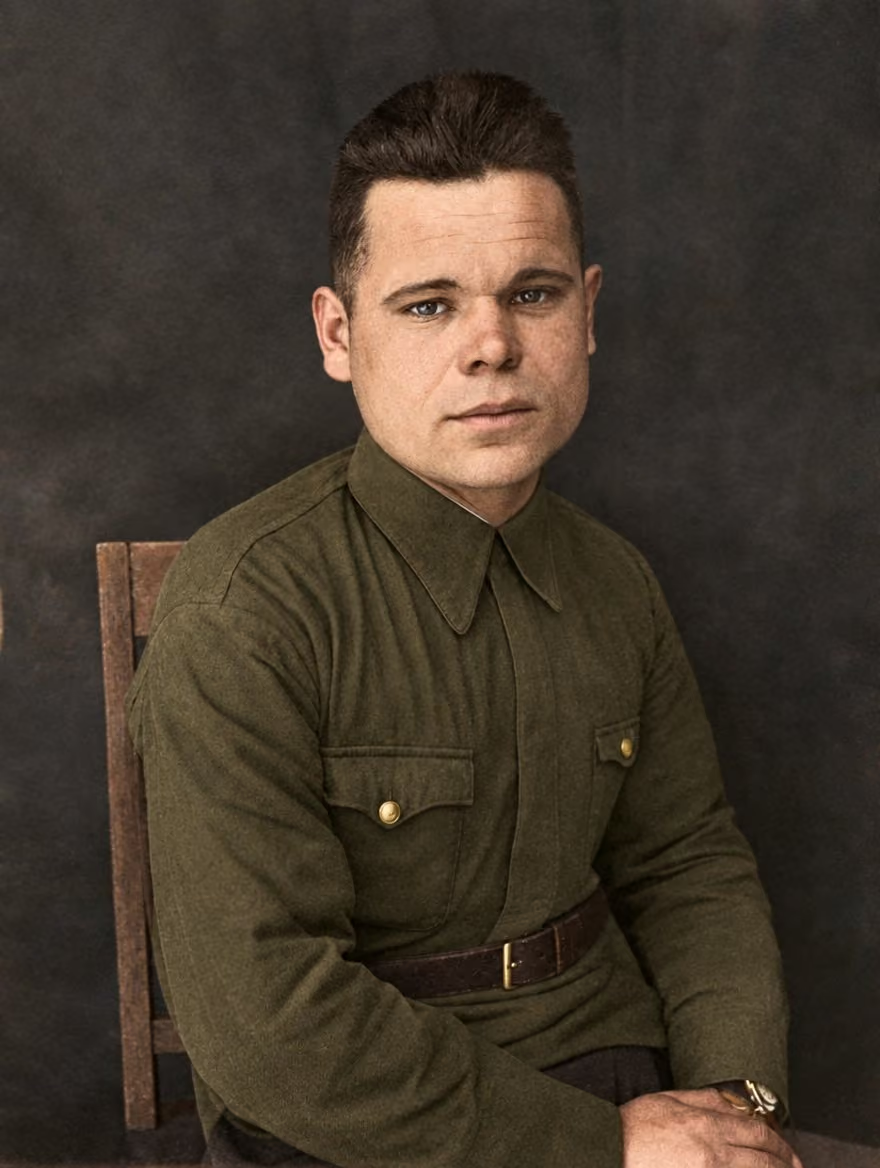
When someone dies, families often look for the best photograph of them for the service, the program and the memorial. The picture they love is not always the clearest: it may be a small snapshot, a creased print or an old passport photo. Restoration can turn it into a portrait that is fit for a large print. This guide explains how to go about it when time is short and feelings are high.
Choose the photograph with care
The best portrait is not necessarily the most formal. Look for a picture where the face is clear, the eyes are visible and the expression is characteristic. Ask other family members to suggest their favourites, since each person remembers someone a little differently. If you have several candidates, send them all, and let the restorer tell you which will give the best result.
Allow enough time
Restoration takes care, and a rushed job shows. If the service is in a few days, tell the restorer the date at once. A realistic plan for a single portrait is to agree the work on day one, review a draft after a short time and approve the final files in time for printing. A week gives comfortable room. If you need it sooner, say so, and ask what is possible.
What the restorer needs
A scan or a phone photo of the print, taken flat in daylight, is enough to start. If the original is available, a careful scan is better. Tell the restorer what you remember about the person, such as the colour of their eyes or hair, because that helps with colour and with details that the picture has lost. Say whether you want the photograph kept black and white or coloured.
What can be changed, and what should not be
Restoration repairs damage: cracks, stains, fading and missing areas. It should not change who the person was. Ask the restorer to keep the expression, the clothing and the character of the picture. If you want something altered, such as removing another person from the frame or adjusting the crop, say so at the start, and agree what is appropriate. Be careful with any change that could mislead other family members.
Think about size and printing
A portrait that appears on a program fits on a page. A portrait on an easel or a banner needs many more pixels. As a guide, a print at 8 x 10 inches needs about 2,400 x 3,000 pixels for a sharp result at 300 pixels per inch. A larger print needs more, and a smaller source may limit how big it can go. Ask the restorer what the largest sensible size is, and ask for files in the sizes you plan to print.
Review the draft with someone who knew the person
Look at the draft together at a large size, and look at the eyes, the mouth and the line of the hair. If something looks wrong, say so plainly: “the nose looks narrower than I remember”. A good restorer takes such comments seriously and adjusts. Approve the final version only when the family is comfortable.
Keep the original safe
After the service, put the original photograph in a clean sleeve or box and keep it flat and dry. The restored copy is the one to display and share. If the family would like a second portrait later, with colour or a different crop, the file can be adapted without touching the original.
A gentle way to work
You do not need to explain a loss to a restorer. Share what helps, and leave out what does not. A careful professional will treat the photograph with the respect it deserves, and will tell you honestly what is possible in the time you have.
Related guides
For what can and cannot be restored, read what can and cannot be restored. To see how prices are set, read what affects the price of photo restoration. To protect the other family photographs, see how to preserve a family photo archive.
Send me the photograph
Tell me the date you need the portrait and send a scan or a phone photo. I reply with a plan, a quote and a turnaround, and I tell you honestly what is possible in the time you have. You can request a restoration quote here, see the portrait restorations, and call, email or message me using the details at the bottom of this page.